
Free printable coloring page
Princess Watering Roses Coloring Page
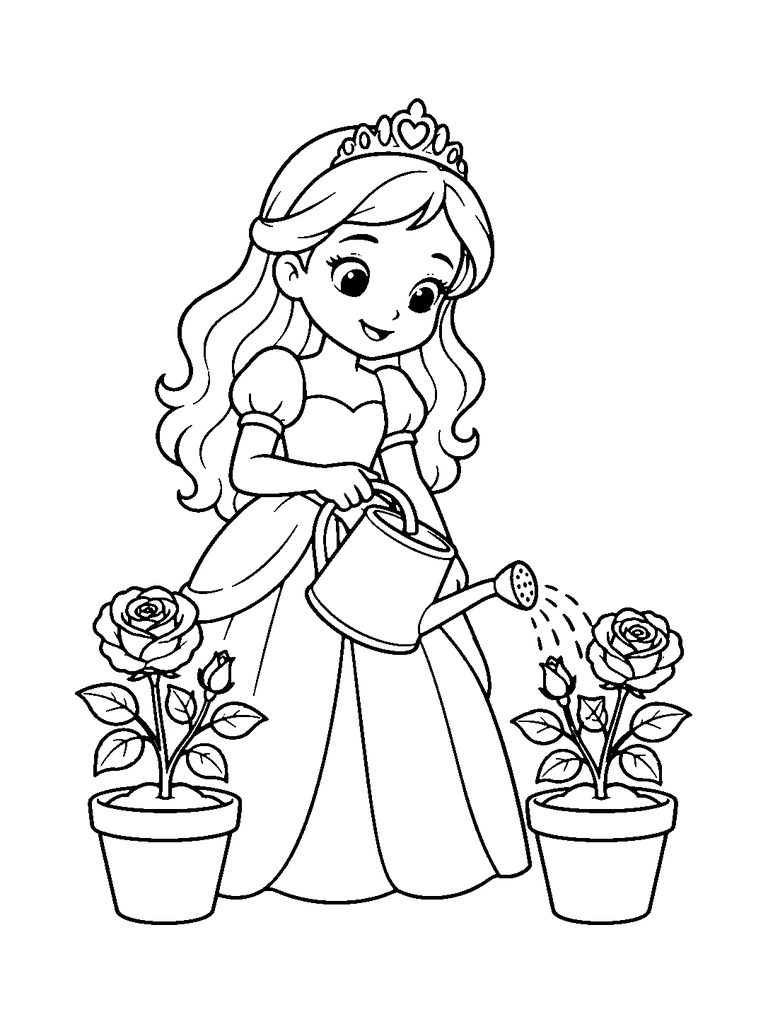
A cute princess watering two potted rose plants with a watering can.
- Difficulty
- medium
- Audience
- kids
- Format
- PDF, PNG, SVG
- Paper
- A4 + US Letter
Try this page with AI
Paint it in a style you pick, or make your own version of this idea.
Created with AI image tools, then reviewed and cleaned up for print. Free for personal and classroom use; see our license.
01About
About Princess Watering Roses Coloring Page
Between two clay pots, a princess tips a watering can toward the pot on the right, and a fine spray of drops falls from its rose nozzle. Each pot holds a rose plant with one open, layered bloom on top, a smaller bud on the side, and a few pointed leaves on branching stems. The princess leans slightly forward with an open-mouth smile and glossy eyes, her crown showing a heart at the front. A puffed-sleeve bodice meets a long gown with an overskirt, and her hair falls in waves over both shoulders. The watering can has a looped handle on top and a long spout. The pots are plain trapezoid shapes, giving easy areas to color, and the roses bring in some detail. This medium page suits kids who like gardening.
In this picture
- princess
- heart crown
- watering can
- water drops
- two flowerpots
- roses
- rosebuds
- leaves
02Ideas
Coloring ideas for Princess Watering Roses
- 1Color the two roses in different shades, one red and one yellow
- 2Make the flowerpots terracotta orange with a darker rim
- 3Paint the water drops light blue to show where the spray lands
- 4Give the watering can a metal blue-gray or a bold color
Suggested palette
- terracotta
- rose red
- leaf green
- soft blue
- lilac
03Explore
Two rose pots and a watering can beside the princess
Keep the fine water spray separate from the right-hand rose
Look for
Short dashed streams descend from the can's perforated nozzle toward the right pot. The two plants each combine a layered bloom, a small bud and pointed leaves.
Try this
Use a light blue pencil sparingly beside the printed spray marks. Color the leaves and buds with a fine point before filling the larger pot and can shapes, keeping the nozzle face distinct from the neighboring rose petals.
Compare two color varieties in the princess's rose garden
What you need
Printed page · Colored pencils · Two small plant-label cards
- Choose a different bloom color for each pot while keeping the foliage and pot finish consistent.
- Color each plant's open bloom and bud as a matching pair, taking care around the right-hand water spray.
- Invent a descriptive name for each color variety on the separate cards and place them beneath the corresponding sides of the page.
Another way to try it: Use one bloom color for both plants and distinguish them only by light and dark petal shading, leaving the labels as color-study notes.
04Tips
Coloring tips
- Start with the largest areas, then add detail.
- Test markers on spare paper to prevent bleed-through.
- Use lighter layers first when working with colored pencils.
05Print
Print guide
- Choose the PDF that matches your paper size.
- Print at 100% scale or “actual size”.
- Use portrait orientation and normal print quality.
06Coloring book
This page is part of a coloring book
07Collections
Included in collections
08Related
Related coloring pages
Princess Serving Tea Coloring Page
medium · kids · A4 & US Letter
Princess and Treasure Chest Coloring Page
medium · kids · A4 & US Letter
Princess Tying a Ribbon Coloring Page
medium · kids · A4 & US Letter
Princess Playing the Harp Coloring Page
medium · kids · A4 & US Letter
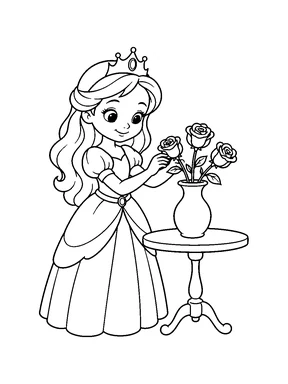
Princess Arranging Roses Coloring Page
medium · kids · A4 & US Letter
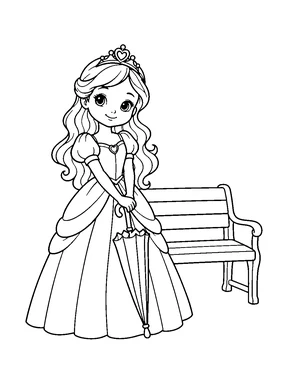
Princess with a Parasol Coloring Page
medium · kids · A4 & US Letter
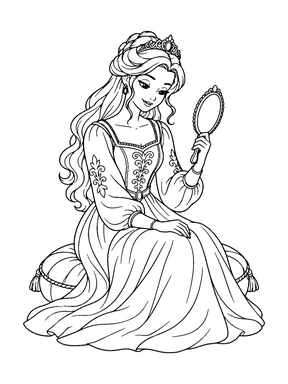
Princess with a Hand Mirror Coloring Page
medium · kids · A4 & US Letter
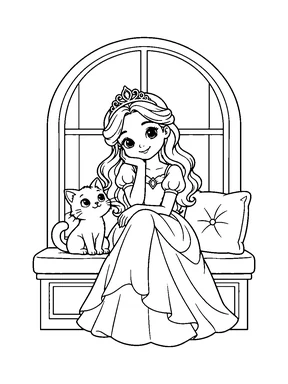
Princess and Cat Window Seat Coloring Page
medium · kids · A4 & US Letter
09More themes
You may also like
Pages from other themes in the library.
10FAQ
Questions about this page
Is the Princess Watering Roses coloring page free?
Yes. Download the A4 or US Letter PDF, or a PNG image, for free. Guests can download 5 pages a day as PDF or PNG, and free accounts 20, with no watermark. The editable SVG file needs a free account.
Which paper size should I print?
Choose A4 in most countries and US Letter in the United States and Canada. Print at 100% or "actual size" in portrait orientation.
Can I use this page in a classroom?
Library pages are free for personal, family, classroom and other non-commercial use. Reselling or redistributing the files is not allowed; see the License page for details.
Can I make a page like this one?
Yes. Create similar opens the AI coloring page generator with this idea filled in. A Standard page uses 1 credit, and you can try it twice without an account.