
Free printable coloring page
Friendly Halloween Monster Coloring Page
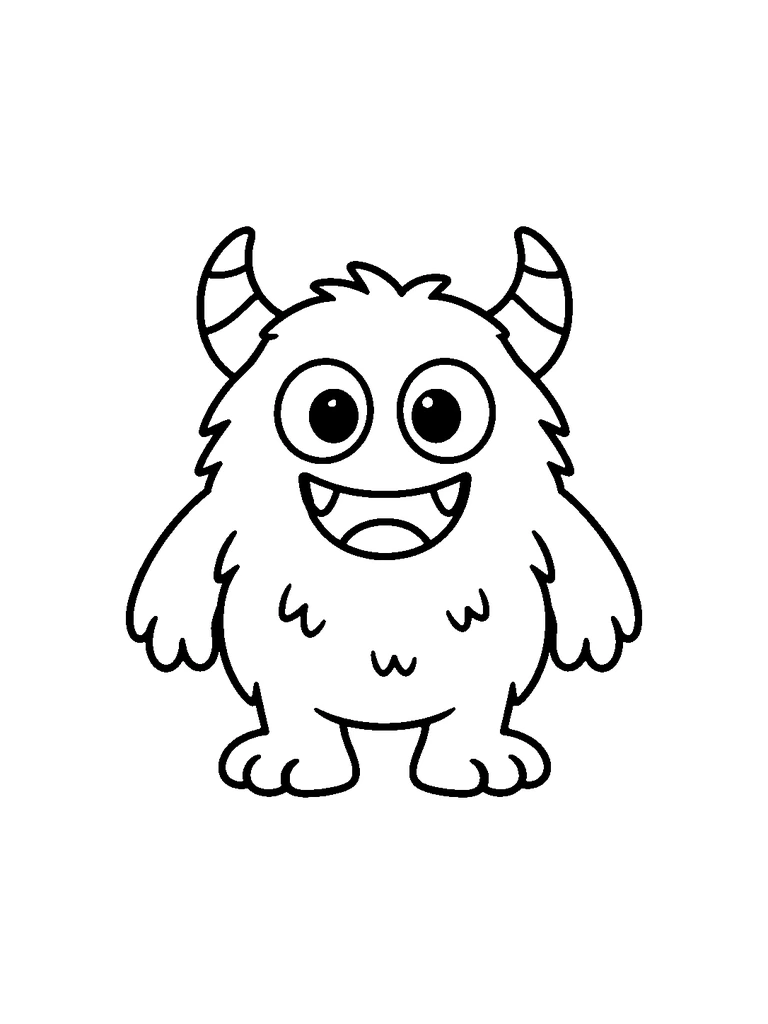
A friendly monster with two horns and two eyes.
- Difficulty
- easy
- Audience
- kids
- Format
- PDF, PNG, SVG
- Paper
- A4 + US Letter
Try this page with AI
Paint it in a style you pick, or make your own version of this idea.
Created with AI image tools, then reviewed and cleaned up for print. Free for personal and classroom use; see our license.
01About
About Friendly Halloween Monster Coloring Page
A furry little monster stands facing the viewer with two horns, two big round eyes and a wide grin with a couple of small teeth. Both horns have stripes that wrap around them, and tufts of fur stick up on top of the head and along the body edge. Little curved fur marks sit on its round belly. The monster's arms hang down at its sides, ending in rounded little hands, and its feet are rounded with short toe marks. The figure stands in the center with white space on every side, so the shaggy outline is the main detail. The big body shape and simple parts make this an easy page for kids who like friendly monsters. The shaggy edge is easy to follow with a crayon held loosely.
In this picture
- monster
- horns
- striped horns
- big eyes
- wide grin
- fur tufts
- belly marks
- arms
- feet
02Ideas
Coloring ideas for Friendly Halloween Monster
- 1Color the monster in a surprising color like teal or magenta
- 2Give the striped horns two alternating shades
- 3Make the belly a lighter color than the rest of the fur
- 4Add the fur edge in a darker tone of the same color
Suggested palette
- monster teal
- magenta
- orange
- lime
- purple
03Explore
Balancing horn stripes and the monster's shaggy coat
Belly tufts do not form a separate belly patch
Look for
The broad torso contains small open fur strokes but no closed oval belly border. The two horns, by contrast, have complete curved bands between their outer edges.
Try this
Color the torso as one connected coat area, varying pressure near the tufts instead of drawing an invented belly outline. Use a finer point in the horn bands so their stripe divisions stay sharper than the soft fur shading.
Invent a horn-stripe identity for the friendly monster
What you need
Printed monster page · Colored pencils · Plain paper · Pencil
- Choose a short stripe order for the horns and repeat it on both sides of the monster's head.
- Give the fur one main color that differs from the brightest horn stripe.
- On separate paper, invent a name and draw a small badge using the same stripe order.
- Write one imagined preference for the monster that fits its cheerful expression, then place the badge beside the page.
Another way to try it: Use different stripe orders on the two horns and explain the difference on the imaginary identity badge.
04Tips
Coloring tips
- Start with the largest areas, then add detail.
- Test markers on spare paper to prevent bleed-through.
- Use lighter layers first when working with colored pencils.
05Print
Print guide
- Choose the PDF that matches your paper size.
- Print at 100% scale or “actual size”.
- Use portrait orientation and normal print quality.
06Coloring book
This page is part of a coloring book
07Collections
Included in collections
08Related
Related coloring pages
Halloween Jack-o'-Lantern Coloring Page
easy · kids · A4 & US Letter
Halloween Ghost Lantern Coloring Page
medium · kids · A4 & US Letter
Cat in a Pumpkin Basket Coloring Page
medium · kids · A4 & US Letter
Owl Riding a Broom Coloring Page
medium · kids · A4 & US Letter
Dancing Skeleton Coloring Page
medium · kids · A4 & US Letter
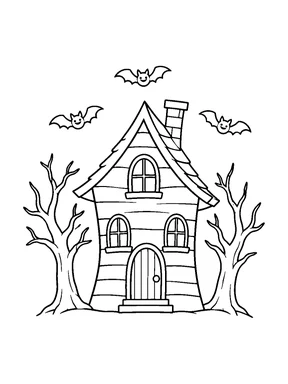
Halloween Crooked House Coloring Page
medium · kids · A4 & US Letter
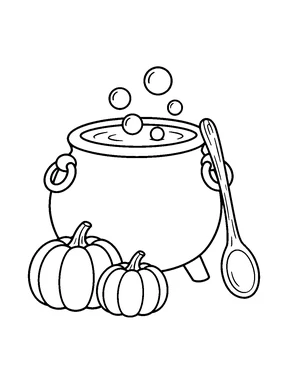
Bubbling Cauldron Coloring Page
medium · kids · A4 & US Letter
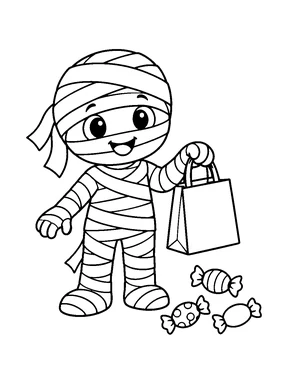
Mummy Trick-or-Treating Coloring Page
medium · kids · A4 & US Letter
09More themes
You may also like
Pages from other themes in the library.
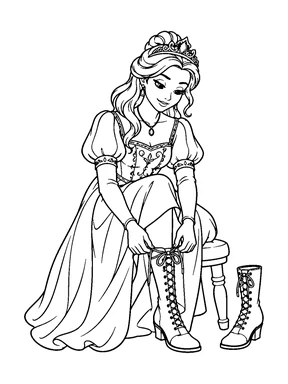
10FAQ
Questions about this page
Is the Friendly Halloween Monster coloring page free?
Yes. Download the A4 or US Letter PDF, or a PNG image, for free. Guests can download 5 pages a day as PDF or PNG, and free accounts 20, with no watermark. The editable SVG file needs a free account.
Which paper size should I print?
Choose A4 in most countries and US Letter in the United States and Canada. Print at 100% or "actual size" in portrait orientation.
Can I use this page in a classroom?
Library pages are free for personal, family, classroom and other non-commercial use. Reselling or redistributing the files is not allowed; see the License page for details.
Can I make a page like this one?
Yes. Create similar opens the AI coloring page generator with this idea filled in. A Standard page uses 1 credit, and you can try it twice without an account.