
There are a ton of free printable coloring pages for Easter, but they’re all over the place. Some are just basic shapes, others are intricate and detailed, and many have been created by people who aren’t familiar with what makes a good coloring page.
I’ve spent a lot of time looking through different sites that offer free printable coloring pages for Easter, and while I found some great ones, I couldn’t find one site where all of them were reviewed to ensure that they’re safe for kids, family-friendly, and high quality.
So I decided to create my own collection of free printable Easter coloring pages using my AI Coloring Page Generator. It’s a bit more work than just grabbing a bunch of free coloring pages off of other websites, but it ensures that everything in my collection is compatible, well-reviewed, and completely original.
And if you’d like your own custom Easter coloring pages, then you can use the same AI generator to make those too!
Finding Easter Pages
You’ll want to keep in mind that Easter is still marked “soon,” so there isn’t a dedicated Easter coloring-page library or a link that takes you directly to an Easter coloring-page PDF yet. For now, you can search the ColoringPagesTools library for spring, animal, and nature pages that fit the feel you’re after.
Once you find a coloring page you like, click on it to open its page, where you can download that page individually as an A4 or US Letter PDF. If you want a ready-made set instead, use one of the site’s themed coloring books; each book is a single PDF with 12 same-theme pages at the same difficulty level. Both individual pages and books come in A4 or US Letter size, and the PDFs are high-resolution. Elsewhere, Easter PDFs may be offered as individual pages or bundles, sometimes as high-resolution US Letter files; the reviewed pages here print free in A4 or US Letter.
Custom Easter Page Ideas
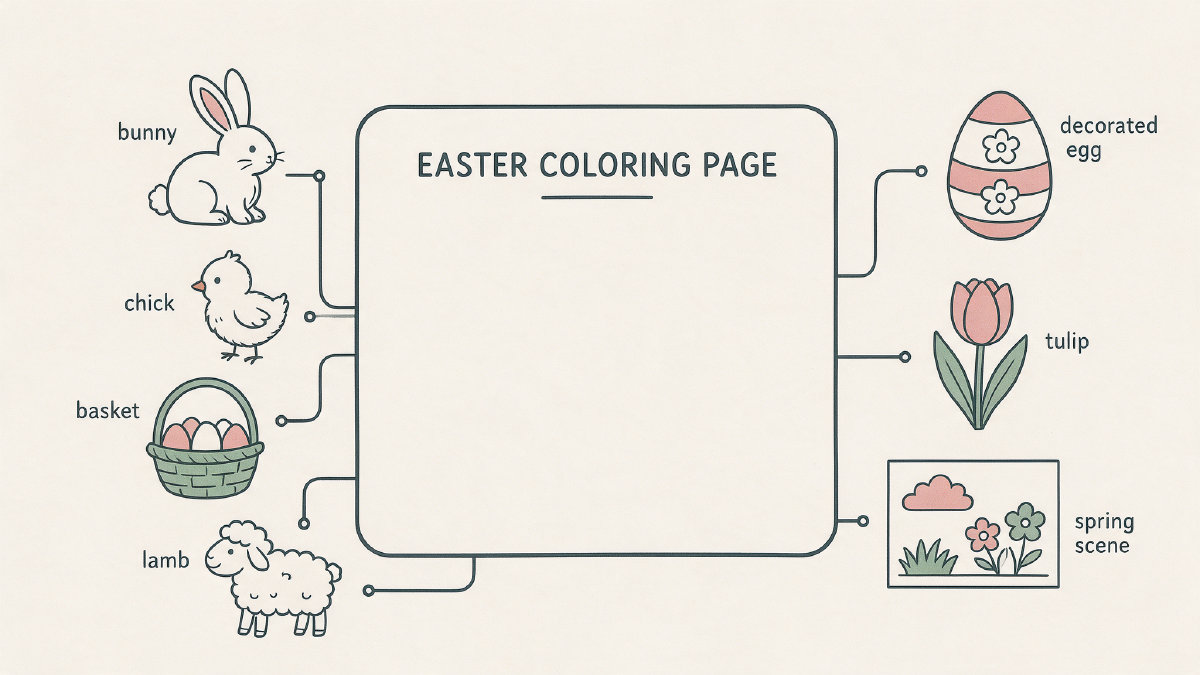
If you’d rather not go through the whole process of searching through the entire library for Easter-themed coloring pages, you can also use the AI generator to create your own private set of Easter coloring pages. Just be sure to use a generic prompt such as “A simple Easter egg,” “a cute bunny,” or “a basket full of eggs.” If you want something more specific, feel free to use words like “bunny,” “chick,” “lamb,” etc., but avoid any brand names or likenesses of specific brands. For toddlers and preschoolers, stick with thick outlines, large shapes, and minimal details; older kids can handle detailed scenes, and adults may prefer intricate patterns or spring scenes.
Here’s how to get started…
Generator Steps
Click here to open up the AI Coloring Page Generator.
Type in a specific original prompt. Don’t copy one from another person. Use your own words to describe exactly what you want.
Then click on the “Style” drop-down menu and select your desired style.
Next, choose the shape of the page that you’d like. You can select Portrait 3:4, Square 1:1, Landscape 4:3, Tall 2:3, Wide 3:2, Phone 9:16, or Widescreen 16:9. Portrait pages suit most printers and characters, while square pages work well for mandalas and patterns.
Select your desired quality level. This will determine how detailed the image is.
Finally, click on the “Generate” button. Your page stays private by default, so it will never be added to the public library.
Downloads and Credits
After you’ve clicked “Generate”, your page will be ready to download. You can choose to download it as a PNG, or as a PDF in either A4 or US Letter size. Choose the size that works best for your needs.
Keep in mind that when you sign up for an account, you’ll get six free Standard credits to use toward generating pages. Once you use up your six credits, additional pages are paid for with credits or a subscription. A Standard page costs 1 credit, while a High-quality page, photo page, or AI-colored page costs 2 credits. Or you can try out the AI Coloring Page Generator without signing up for an account by clicking here.
Creating Custom Books
Teachers and parents who are creating their own books or stacks of coloring pages will find that the combination of the AI-generated pages and the reviewed pages in the ColoringPagesTools library makes for a lightweight custom stack. Just make sure that all of the pages you include are compatible with each other, meaning that they should all be the same difficulty level, and should be the same theme. And since the AI generator gives you the option of exporting pages as PDFs, you can easily assemble a complete book by printing and binding all of the pages together.
I hope this helps! If you need help choosing coloring pages, feel free to ask me questions in the comments below.