
There is currently no Easter-themed coloring book on ColoringPagesTools that’s ready to download and print, but you can create a custom stack of pages for the holiday by using the site’s tools.
You can use the site’s library of hand-reviewed pages as well as its original AI-generated pages (which are marked “soon”) to assemble an Easter-themed stack. The site offers 27 ready-to-print books and 509 original coloring pages, divided into themes, levels, age groups, styles, and occasions. These include seasonal printables, animal printables, nature printables, and more — the closest the site has to Easter-compatible themed pages.
Download Rules
The free download rules also apply to all of these. Parents and teachers can plan around the fact that there’s a limit to how many complete books they can download in a day. However, they may download one complete book per day, and it will be either A4 or US Letter size. You’ll receive a single downloadable PDF file with the book, which will consist of 12 same-theme pages of the same difficulty level. They’ll also be printable individually.
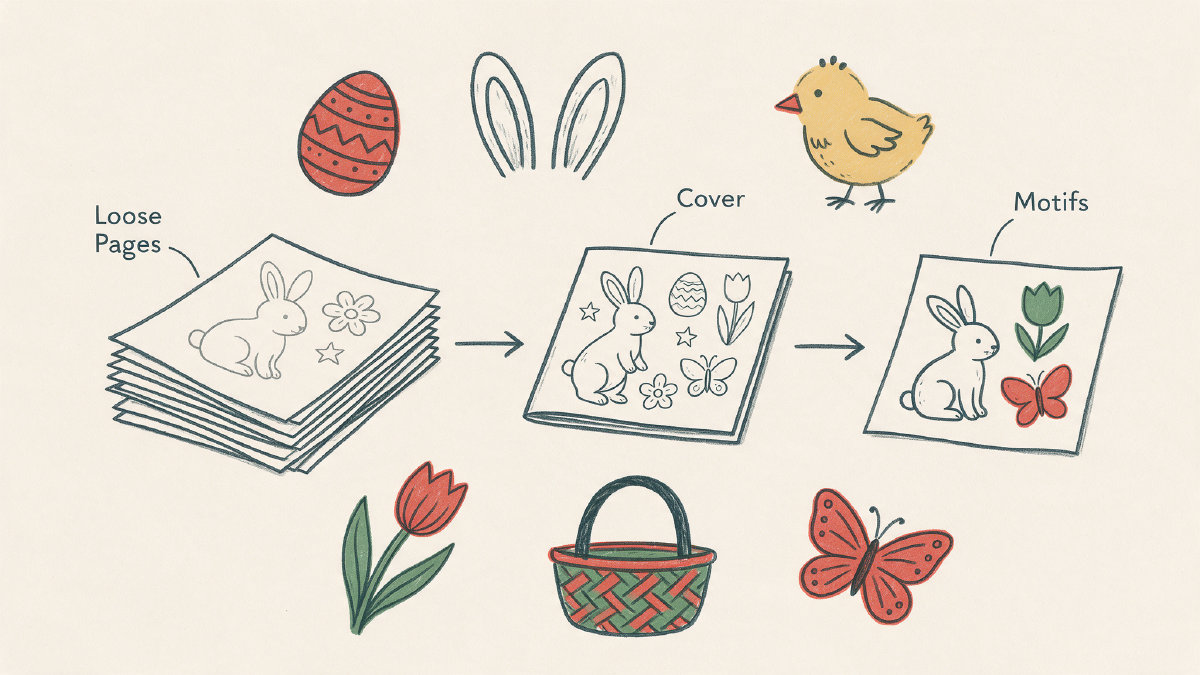
If you’re planning a party or classroom set, you can add a name cover to your custom stack and mix the library’s hand-reviewed pages, the AI-generated pages, and some individual printed pages. For example, you could have a basket of Easter items with one book, two sets of individual pages, a couple of AI-generated pages, and a name cover.
Easter Motifs and Copyright
It doesn’t take much time or effort to make a homemade Easter coloring set, as long as you avoid using copyrighted material. If you use generic spring motifs such as bunnies, chicks, lambs, eggs, baskets, tulips, daisies, butterflies, bees, rainbows, umbrellas, rain boots, frogs, and spring scenes, then you’ll probably be okay.
Of course, this isn’t a buying guide. It’s simply meant to show how you might create a custom Easter-themed stack. There are commercial Easter books available that you might compare them to in terms of page counts and format ideas, though you won’t find any here. ColoringPagesTools offers a collection of up to 30 pages; however, the current batch includes only 12-page books. You can download them one complete book per day with a free account.
In addition, you can design your own custom stacks with the site’s free trial of its AI generator. Here’s how it works.
ColoringPagesTools’ AI Generator
ColoringPagesTools offers an AI generator that can be used to create new, printable coloring pages. It allows you to choose a style (or layout) and a variety of other options, including how the output should be formatted, whether it’s private, and what paper sizes should be used. This AI tool is free to try out, although there are credits involved.
How does the AI generator work?
You get two free Standard tries before being asked to sign up for an account. Once you’ve created an account, you’ll get six free Standard credits. Every time you generate a new coloring page (called a “Standard” page), you spend one credit per ready page. Other page types consume more credits, but additional Standard attempts still cost one credit each. (See below.)
After generating the images, you can turn those ideas into printable pages. Each AI-generated image is turned into a page, so you can choose how the AI-generated pages look, as well as the type of layout and the overall quality of the output. In addition, the page stays private and is never added to the public library. Pages are exported as PNG files, and can be downloaded as either A4 PDFs or US Letter PDFs.
All of this sounds easy enough, but you’ll need to watch out for a few things. First, you’ll be asked to provide some sort of prompt that describes what the final image should look like. But rather than just describe a rabbit, you could instead think about a specific visual prompt that you’d like to use as the base of your Easter pages. For example, you could think about a simple bunny sitting inside a basket filled with Easter eggs, or a pair of little chick feet standing beside each other.
What is included when you try the AI generator?
When you use the generator, you’ll be given the opportunity to choose between a Standard or High-quality page; separate tools can turn a photo into a page or color a library page with AI. Standard and High-quality both create a new black-and-white page, while the AI-colored version will color the picture as well.
How do the different types of generation use up your credits? The following table explains how the various types of generations use up your credits:
Generation Type | Credits Used Per Generation
---|---
AI-Colored Page | 2
High-Quality Page | 2
Photo Page | 2
Standard Page | 1
The AI generator consumes your credits, and while there are a number of paid credit packages to choose from, you can purchase additional credits or subscribe to an ongoing subscription.
A DIY Easter Stack
With all that in mind, you can easily put together a homemade Easter coloring stack that your kids can enjoy for hours. Simply combine the hand-reviewed pages from the library with the AI-generated pages and then use the free name cover to wrap it all up and give it to your children. You’ll be able to create a customized stack that’s full of unique, original prompts.