
Free printable coloring page
Anime Boy Holding Books Coloring Page
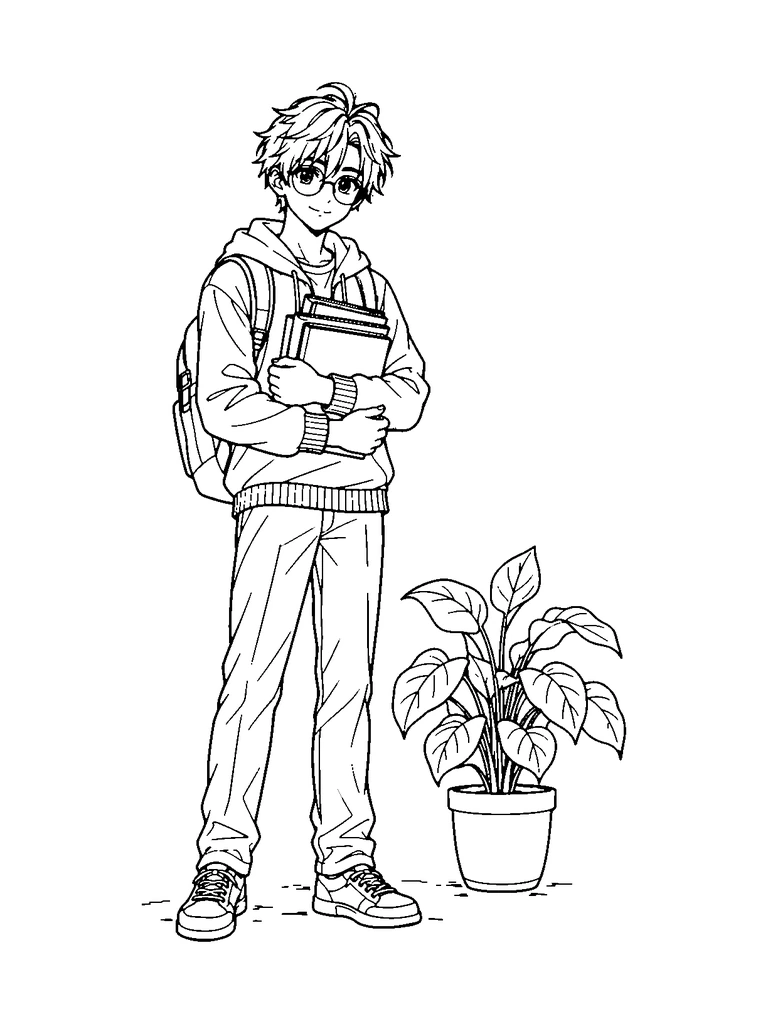
An original anime-style teen boy with round glasses holds closed books beside a potted plant and backpack.
- Difficulty
- medium
- Audience
- teens
- Format
- PDF, PNG, SVG
- Paper
- A4 + US Letter
Try this page with AI
Paint it in a style you pick, or make your own version of this idea.
Created with AI image tools, then reviewed and cleaned up for print. Free for personal and classroom use; see our license.
01About
About Anime Boy Holding Books Coloring Page
A boy with round glasses and messy hair stands straight and hugs a stack of closed books against his chest, smiling shyly toward us. A backpack strap hangs on his shoulder, and the pack itself is visible behind his left side. He wears a hoodie with ribbed cuffs and a ribbed hem, loose long pants and lace-up sneakers. At the right, a leafy potted plant with broad, veined leaves sits in a tapered pot, and tiny dashes on the ground suggest a floor. The tall figure fills the page and gives long folds in the pants and sleeves, while the plant offers a nice set of leaf shapes. The pot, leaves, books and sweater cuffs all have different textures to suggest with color or shading. This medium page suits teens who like campus and school-day scenes.
In this picture
- boy
- round glasses
- stack of books
- backpack
- hoodie
- ribbed cuffs
- long pants
- sneakers
- potted plant
02Ideas
Coloring ideas for Anime Boy Holding Books
- 1Give the book stack different cover colors, one per book
- 2Color the plant leaves in two greens with lighter veins
- 3Choose a warm color for the hoodie to contrast with the green plant
- 4Tint the glasses frames in a bold shade
Suggested palette
- navy
- leaf green
- terracotta
- mustard
- cream
03Explore
Layering books and sleeves on the anime student
Read the overlapping book stack before coloring
Look for
The boy's forearms cross over the lowest book, while thin page blocks and several staggered covers remain visible above his hands.
Try this
Work from the top book downward, marking each cover with a small color dot before filling. Keep page blocks pale and add shadow only where one cover overhangs the next; do not carry a book color across the hands.
Invent subjects for the anime student's books
What you need
Printed page · Coloring pencils · Small note card
- Assign an imagined school subject to each visible book and record a cover color for it on the note card.
- Color the narrow covers according to your key, keeping the page blocks separate.
- Add a small matching mark beside each subject on the card and display it with the uncut finished picture.
Another way to try it: Give every book one shared cover color, using light and dark edges to distinguish them, and compare this with the subject-color version.
04Tips
Coloring tips
- Start with the largest areas, then add detail.
- Test markers on spare paper to prevent bleed-through.
- Use lighter layers first when working with colored pencils.
05Print
Print guide
- Choose the PDF that matches your paper size.
- Print at 100% scale or “actual size”.
- Use portrait orientation and normal print quality.
06Collections
Included in collections
07Related
Related coloring pages
Anime Archer Boy Coloring Page
medium · teens · A4 & US Letter
Anime Girl Reading Coloring Page
medium · teens · A4 & US Letter
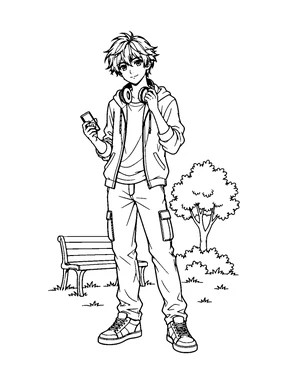
Anime Boy with Headphones Coloring Page
medium · teens · A4 & US Letter
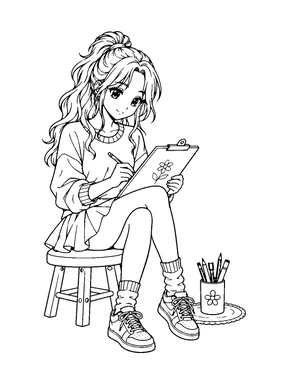
Anime Girl Drawing Coloring Page
medium · teens · A4 & US Letter
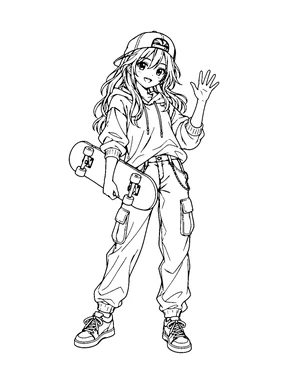
Anime Girl with Skateboard Coloring Page
medium · teens · A4 & US Letter
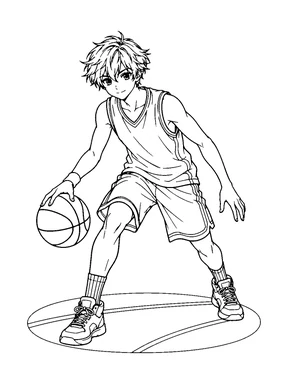
Anime Boy Dribbling Basketball Coloring Page
medium · teens · A4 & US Letter
Anime Schoolgirl with Backpack Coloring Page
medium · teens · A4 & US Letter
Anime Boy with Paper Airplane Coloring Page
medium · teens · A4 & US Letter
08More themes
You may also like
Pages from other themes in the library.
09FAQ
Questions about this page
Is the Anime Boy Holding Books coloring page free?
Yes. Download the A4 or US Letter PDF, or a PNG image, for free. Guests can download 5 pages a day as PDF or PNG, and free accounts 20, with no watermark. The editable SVG file needs a free account.
Which paper size should I print?
Choose A4 in most countries and US Letter in the United States and Canada. Print at 100% or "actual size" in portrait orientation.
Can I use this page in a classroom?
Library pages are free for personal, family, classroom and other non-commercial use. Reselling or redistributing the files is not allowed; see the License page for details.
Can I make a page like this one?
Yes. Create similar opens the AI coloring page generator with this idea filled in. A Standard page uses 1 credit, and you can try it twice without an account.