
Free printable coloring page
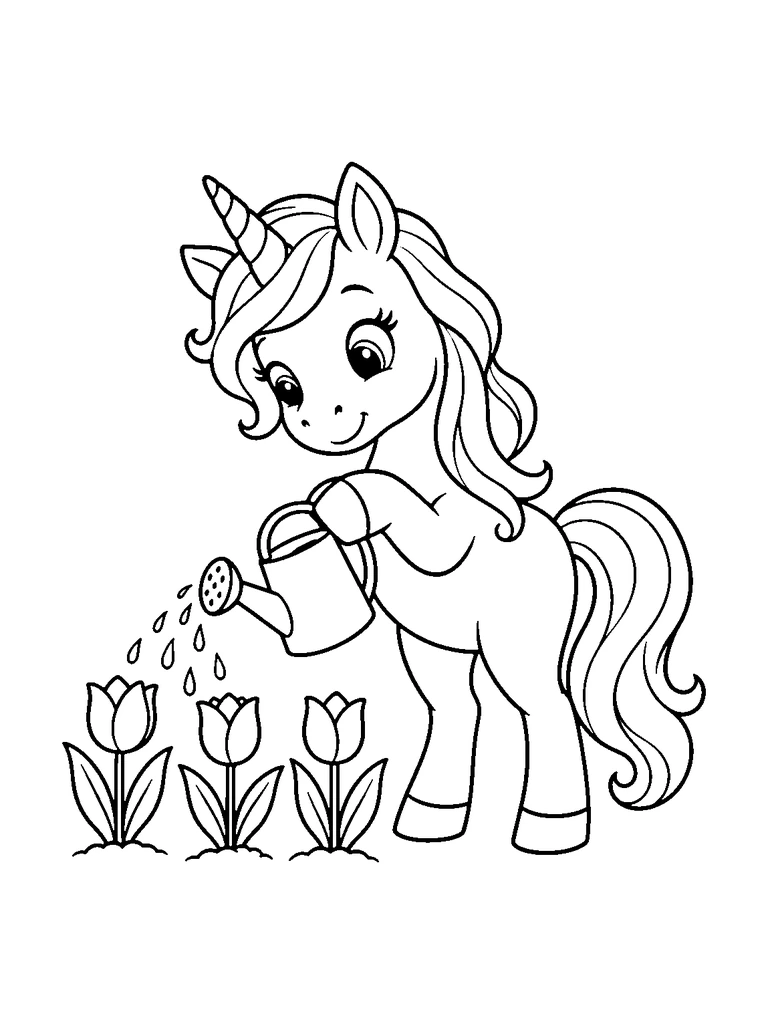
Unicorn Watering Tulips Coloring Page
A cute unicorn watering three tulips with a watering can.
- Difficulty
- medium
- Audience
- kids
- Format
- PDF, PNG, SVG
- Paper
- A4 + US Letter
Try this page with AI
Paint it in a style you pick, or make your own version of this idea.
Created with AI image tools, then reviewed and cleaned up for print. Free for personal and classroom use; see our license.
01About
About Unicorn Watering Tulips Coloring Page
Leaning forward with its head bowed, a unicorn tips a watering can over a row of tulips. The can is held in one front hoof, with a rose-style spout on the left and a looped handle on the right, and tiny drops fall in a diagonal line toward the flowers. Three tulips stand along the bottom left, each with a closed cup-shaped bloom, two long leaves, and a mound of soil beneath. The unicorn stands on two back legs with a swishing mane down its back and a big fluffy tail curling on the right. Its eyes look down at the garden with a soft smile. The tulip petals, leaves, and watering can are separate shapes of manageable size. This medium page is a nice fit for kids who like a spring subject and a little detail in the hair.
In this picture
- unicorn
- watering can
- water drops
- tulips
- tulip leaves
- soil mounds
- horn
- long tail
02Ideas
Coloring ideas for Unicorn Watering Tulips
- 1Make each tulip a different color: red, yellow, and purple
- 2Color the water drops light blue so the path from the spout is easy to follow
- 3Paint the watering can metal gray with a bright handle
- 4Use two greens for the tulip leaves, darker on the outer ones
Suggested palette
- tulip red
- sunny yellow
- violet
- leaf green
- sky blue
03Explore
Keep the watering stream light beside the tulips
Preserve the gap below the spout
Look for
Separate drops fall diagonally from the can toward the leftmost flowers.
Try this
Tint only one side of each drop and leave the intervening paper white. Use stronger flower colors so the water stays transparent-looking rather than becoming a solid blue stripe.
Make a flower-watering observation note
What you need
Printed page · Pencils · Notebook
- Color the tulips and can, then add a very light tint to the printed drops.
- Write the direction water travels from the spout to the flowers using the picture as a guide.
- Add one imagined next action for the unicorn after this watering moment.
Another way to try it: Draw a new row of flowers in the notebook and plan which one the unicorn would water next.
04Tips
Coloring tips
- Start with the largest areas, then add detail.
- Test markers on spare paper to prevent bleed-through.
- Use lighter layers first when working with colored pencils.
05Print
Print guide
- Choose the PDF that matches your paper size.
- Print at 100% scale or “actual size”.
- Use portrait orientation and normal print quality.
06Coloring book
This page is part of a coloring book
07Collections
Included in collections
08Related
Related coloring pages
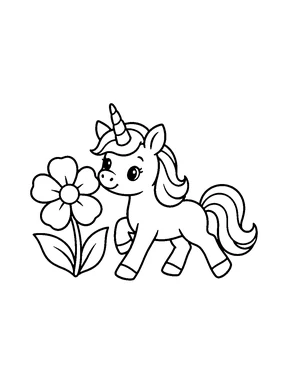
Trotting Unicorn Coloring Page
easy · kids · A4 & US Letter
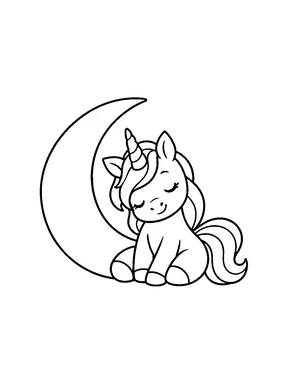
Unicorn and Crescent Moon Coloring Page
easy · kids · A4 & US Letter
Sleeping Unicorn Coloring Page
easy · kids · A4 & US Letter
Rearing Unicorn Coloring Page
easy · kids · A4 & US Letter
Unicorn Birthday Cupcake Coloring Page
easy · kids · A4 & US Letter
Unicorn in a Box Coloring Page
easy · kids · A4 & US Letter
Standing Unicorn Side View Coloring Page
easy · kids · A4 & US Letter
Unicorn Dancing on Clouds Coloring Page
medium · kids · A4 & US Letter
09More themes
You may also like
Pages from other themes in the library.
10FAQ
Questions about this page
Is the Unicorn Watering Tulips coloring page free?
Yes. Download the A4 or US Letter PDF, or a PNG image, for free. Guests can download 5 pages a day as PDF or PNG, and free accounts 20, with no watermark. The editable SVG file needs a free account.
Which paper size should I print?
Choose A4 in most countries and US Letter in the United States and Canada. Print at 100% or "actual size" in portrait orientation.
Can I use this page in a classroom?
Library pages are free for personal, family, classroom and other non-commercial use. Reselling or redistributing the files is not allowed; see the License page for details.
Can I make a page like this one?
Yes. Create similar opens the AI coloring page generator with this idea filled in. A Standard page uses 1 credit, and you can try it twice without an account.