
Free printable coloring page
Fall Squirrel with an Acorn Coloring Page
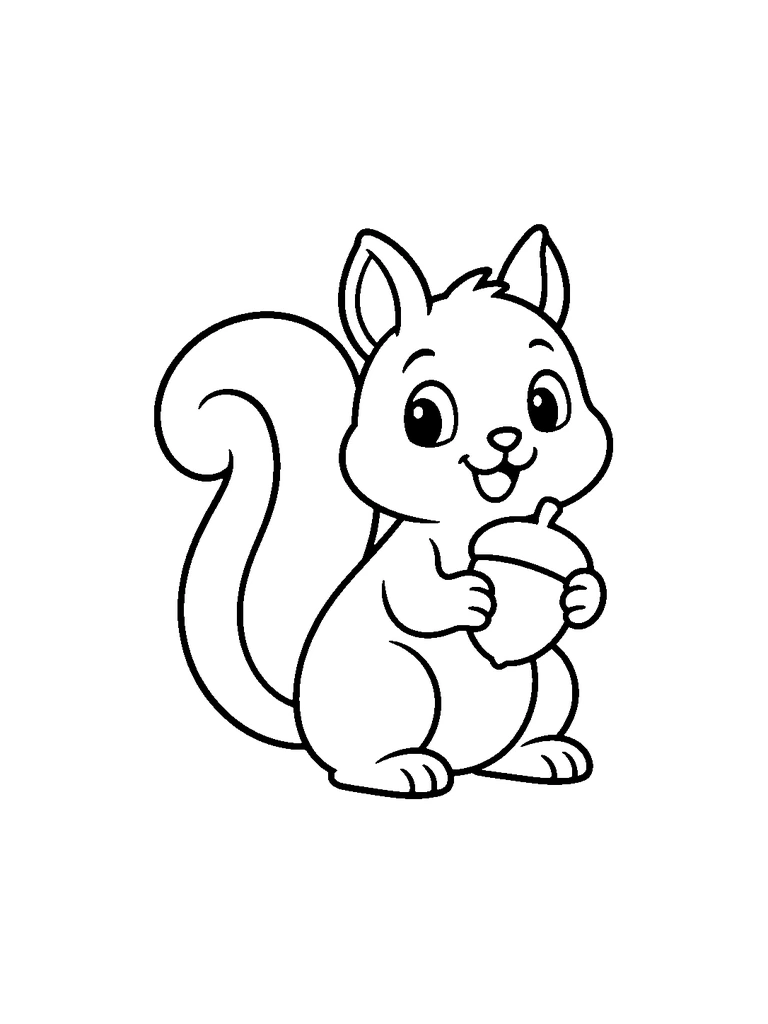
A squirrel holding an acorn.
- Difficulty
- easy
- Audience
- kids
- Format
- PDF, PNG, SVG
- Paper
- A4 + US Letter
Try this page with AI
Paint it in a style you pick, or make your own version of this idea.
Created with AI image tools, then reviewed and cleaned up for print. Free for personal and classroom use; see our license.
01About
About Fall Squirrel with an Acorn Coloring Page
Sitting upright with its big fluffy tail curled up behind, a squirrel hugs an acorn to its chest with both small hands. Its head is round with two tall ears showing inner lines, large shiny eyes, a pink-style nose and an open smile. The tail forms a big S-shape that rises over the back and curls inward at the top left. Two small feet with toe lines sit at the bottom, and the plump belly is a smooth, open area. The acorn has a plain cap with a small stem and a smooth nut below. There is no tree or ground, just the squirrel on white. The large tail and body invite color, and the acorn is a quick finish. A nice easy page for kids who love woodland animals.
In this picture
- squirrel
- big curled tail
- acorn
- acorn cap
- tall ears
- small hands
- feet
- open smile
02Ideas
Coloring ideas for Fall Squirrel with an Acorn
- 1Color the tail in two shades of brown, darker toward the tip
- 2Leave the belly and inner ears a soft cream
- 3Make the acorn cap dark brown and the nut tan
- 4Add a bit of pink on the nose and cheeks
Suggested palette
- squirrel brown
- cream
- chestnut
- tan
- pink
03Explore
Keep the squirrel’s paws clear around the acorn
Color the held acorn before the belly
Look for
The paws wrap around the sides of the nut, which lies in front of the pale belly area.
Try this
Fill the nut first, stopping at each paw outline. Shade the belly lightly afterward so the small paws remain readable around the darker acorn.
Write a squirrel’s treasure label
What you need
Printed page · Crayons · Notebook
- Color the held acorn and the squirrel, choosing a lighter belly than tail.
- Write a label for the acorn as though the squirrel were saving it.
- Add an imagined hiding place in the notebook and explain how the squirrel would carry its treasure there.
Another way to try it: Draw the hiding place instead of writing it, leaving the printed squirrel and acorn unchanged.
04Tips
Coloring tips
- Start with the largest areas, then add detail.
- Test markers on spare paper to prevent bleed-through.
- Use lighter layers first when working with colored pencils.
05Print
Print guide
- Choose the PDF that matches your paper size.
- Print at 100% scale or “actual size”.
- Use portrait orientation and normal print quality.
06Coloring book
This page is part of a coloring book
07Collections
Included in collections
08Related
Related coloring pages
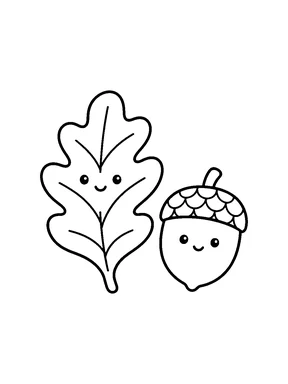
Fall Oak Leaf and Acorn Coloring Page
easy · kids · A4 & US Letter
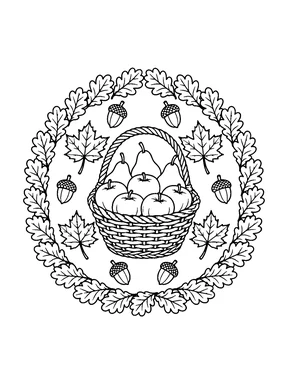
Fall Harvest Basket Wreath Coloring Page
detailed · adults · A4 & US Letter
Fall Owl on an Oak Branch Coloring Page
detailed · adults · A4 & US Letter
Cozy Fall Fox Coloring Page
detailed · adults · A4 & US Letter
Fall Pumpkins and Sunflowers Coloring Page
detailed · adults · A4 & US Letter
Fall Rain Boots and Umbrella Coloring Page
detailed · adults · A4 & US Letter
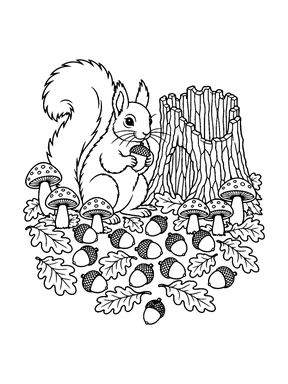
Fall Squirrel by a Tree Stump Coloring Page
detailed · adults · A4 & US Letter
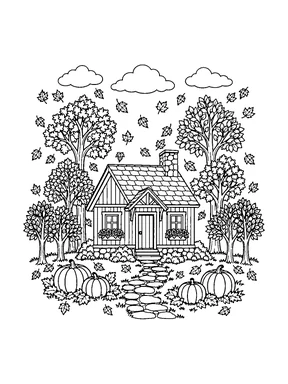
Fall Cabin in the Woods Coloring Page
detailed · adults · A4 & US Letter
09More themes
You may also like
Pages from other themes in the library.
10FAQ
Questions about this page
Is the Fall Squirrel with an Acorn coloring page free?
Yes. Download the A4 or US Letter PDF, or a PNG image, for free. Guests can download 5 pages a day as PDF or PNG, and free accounts 20, with no watermark. The editable SVG file needs a free account.
Which paper size should I print?
Choose A4 in most countries and US Letter in the United States and Canada. Print at 100% or "actual size" in portrait orientation.
Can I use this page in a classroom?
Library pages are free for personal, family, classroom and other non-commercial use. Reselling or redistributing the files is not allowed; see the License page for details.
Can I make a page like this one?
Yes. Create similar opens the AI coloring page generator with this idea filled in. A Standard page uses 1 credit, and you can try it twice without an account.