
Free printable coloring page
Gliding Dragon Coloring Page
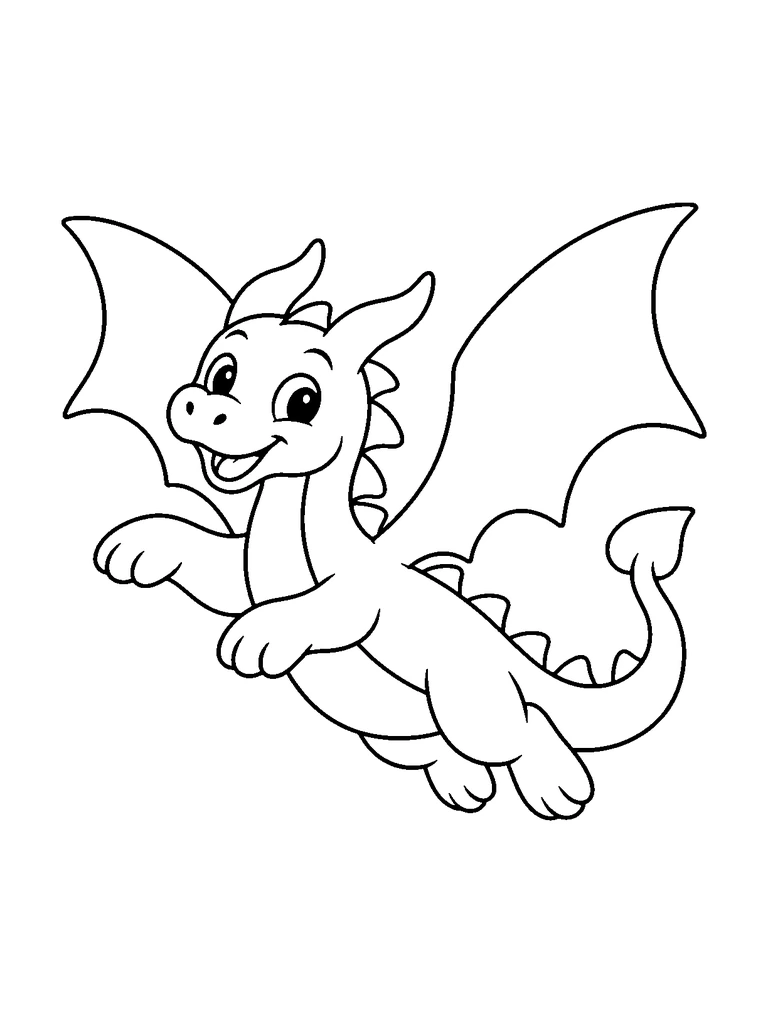
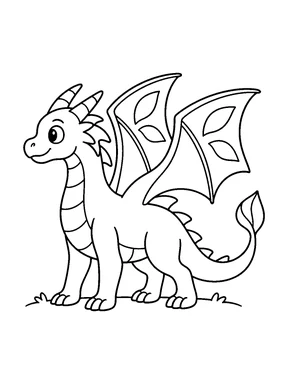
A dragon glides through the air with both wings spread wide.
- Difficulty
- easy
- Audience
- kids
- Format
- PDF, PNG, SVG
- Paper
- A4 + US Letter
Try this page with AI
Paint it in a style you pick, or make your own version of this idea.
Created with AI image tools, then reviewed and cleaned up for print. Free for personal and classroom use; see our license.
01About
About Gliding Dragon Coloring Page
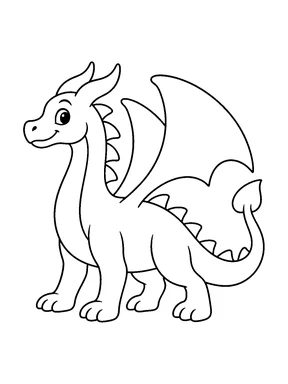
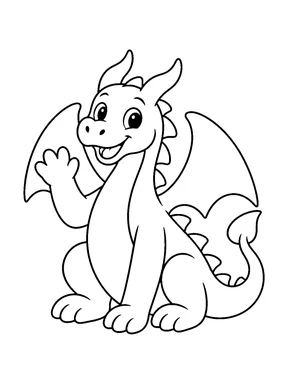
Soaring through empty air, a little dragon spreads its wings wide, with one large wing reaching up to the right and another opening at the left. Its body is tilted, and the open mouth is a wide happy smile. One front paw waves out in front, while the other tucks against the chest, and the hind legs trail behind with rounded toes. Two curved horns sweep back, and a row of spikes follows the neck to a tail that curls up at the right, finishing in a heart-like tip. Since no clouds or sky are drawn, the wings and the gliding body are all that fills the page. The big wing panels are easy to color in broad strokes, which suits kids who enjoy flying scenes.
In this picture
- dragon
- two wings
- open mouth
- front paw
- hind legs
- horns
- back spikes
- curled tail
- tail tip
02Ideas
Coloring ideas for Gliding Dragon
- 1Color each wing in a different bright color to show it moving
- 2Leave a pale belly and color the back deeper
- 3Give the heart-like tail tip a surprise color
- 4Add a soft blue sky around the dragon with a crayon laid on its side
Good for
- a flight or sky theme
- a paper-airplane day activity
- a birthday party page
03Explore
Gliding Dragon: Shade the Two Extended Wings
Gliding Dragon: focal shapes
Look for
A dragon glides with broad, smooth membrane wings extended and its body angled through open space; the wings have no outlined feather divisions.
Try this
Color each broad wing membrane as one uninterrupted area, then use a darker shade on the tail so the gliding silhouette stays clear.
Gliding Dragon: Shade the Two Extended Wings — two color routes
Teal glide with pale blue membranes
Repeat the cool palette across both wings for a steady airborne pose.
- Teal
Color the dragon’s body.
- Pale blue
Fill both smooth extended wing membranes as broad uninterrupted areas.
- Deep teal
Use on the tail and a narrow edge accent along the wing membranes.
Sunlit wings on a plum dragon
Set the wings apart from the central body with a warm light color.
- Plum
Color the body and head.
- Apricot
Fill both smooth extended wing membranes.
- Cream
Color the belly and a small edge accent where each membrane meets the body.
04Tips
Coloring tips
- Start with the largest areas, then add detail.
- Test markers on spare paper to prevent bleed-through.
- Use lighter layers first when working with colored pencils.
05Print
Print guide
- Choose the PDF that matches your paper size.
- Print at 100% scale or “actual size”.
- Use portrait orientation and normal print quality.
06Coloring book
This page is part of a coloring book
07Collections
Included in collections
08Related
Related coloring pages
Dragon Flying a Kite Coloring Page
medium · kids · A4 & US Letter
Dragon in a Sailboat Coloring Page
medium · kids · A4 & US Letter
Dragon with an Umbrella Coloring Page
medium · kids · A4 & US Letter
Dragon Picnic Basket Coloring Page
medium · kids · A4 & US Letter
Dragon Building a Castle Coloring Page
medium · kids · A4 & US Letter
Dragon Painting a Flower Coloring Page
medium · kids · A4 & US Letter
Dragon with a Backpack Coloring Page
medium · kids · A4 & US Letter
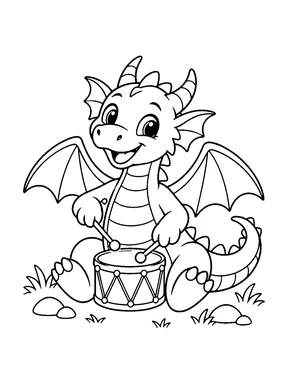
Dragon Playing a Drum Coloring Page
medium · kids · A4 & US Letter
09More themes
You may also like
Pages from other themes in the library.
10FAQ
Questions about this page
Is the Gliding Dragon coloring page free?
Yes. Download the A4 or US Letter PDF, or a PNG image, for free. Guests can download 5 pages a day as PDF or PNG, and free accounts 20, with no watermark. The editable SVG file needs a free account.
Which paper size should I print?
Choose A4 in most countries and US Letter in the United States and Canada. Print at 100% or "actual size" in portrait orientation.
Can I use this page in a classroom?
Library pages are free for personal, family, classroom and other non-commercial use. Reselling or redistributing the files is not allowed; see the License page for details.
Can I make a page like this one?
Yes. Create similar opens the AI coloring page generator with this idea filled in. A Standard page uses 1 credit, and you can try it twice without an account.