
Free printable coloring page
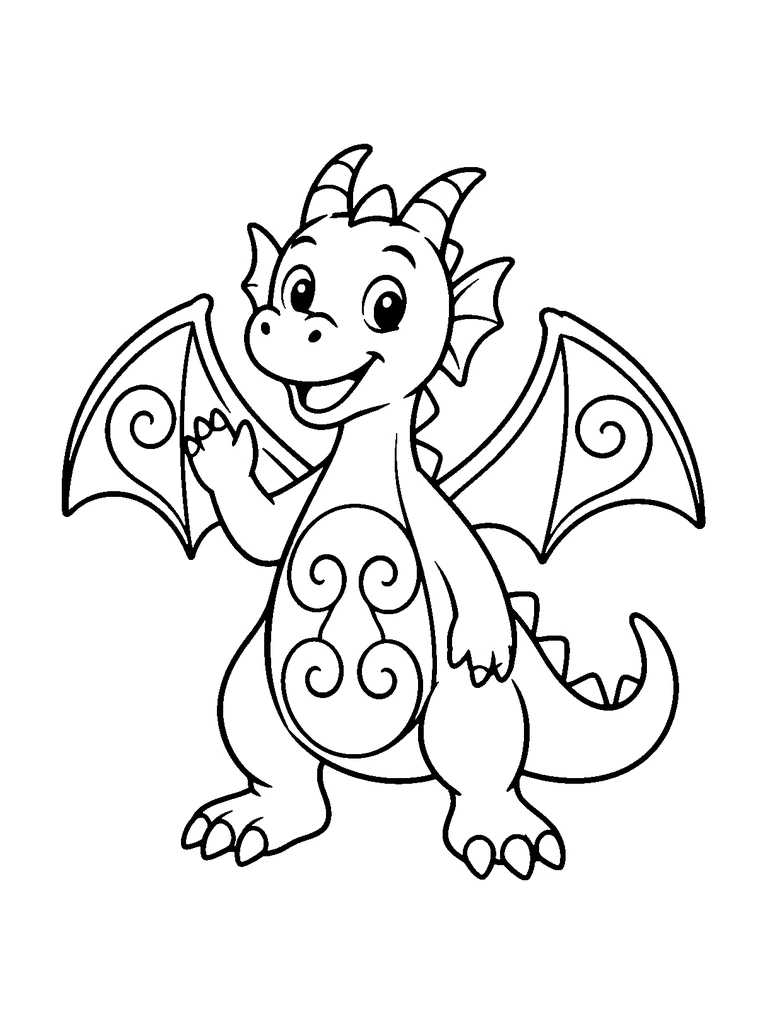
Waving Dragon with Swirl Motifs Coloring Page
A standing dragon raises one front paw and has bold mirrored swirl motifs on its wings and belly.
- Difficulty
- easy
- Audience
- kids
- Format
- PDF, PNG, SVG
- Paper
- A4 + US Letter
Try this page with AI
Paint it in a style you pick, or make your own version of this idea.
Created with AI image tools, then reviewed and cleaned up for print. Free for personal and classroom use; see our license.
01About
About Waving Dragon with Swirl Motifs Coloring Page
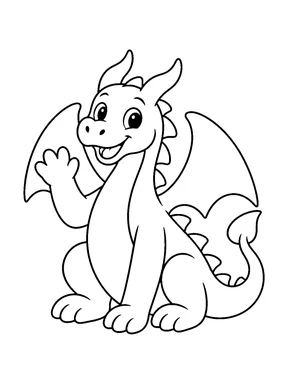
Standing tall on two legs, a smiling dragon waves one front paw at the left while the other arm hangs down. The belly holds a bold design of mirrored swirl spirals in two stacked pairs, and each wing carries a single round swirl near its center. The dragon has an open mouth, large eyes, ringed horns, a small crest and fin ears. A row of spikes follows its back, and the tail curves up at the lower right. The feet are drawn with three toes each, and the whole figure floats on blank paper. The spirals are simple, closed loops that make clear shapes, and the pose is friendly and welcoming, which suits kids who like animals with a lot of personality.
In this picture
- dragon
- waving paw
- belly swirls
- wing swirls
- open mouth
- horns
- fin ears
- back spikes
- tail
- feet
02Ideas
Coloring ideas for Waving Dragon with Swirl Motifs
- 1Color the belly swirls in two colors that alternate from top to bottom
- 2Match the wing swirls to one of the belly colors
- 3Give the waving paw a bright cuff of color
- 4Make the ringed horns light and dark in turn
Good for
- a hello or welcome sign
- a first-day page for a new class
- a birthday party handout
03Explore
Waving Dragon with Swirl Motifs: Trace the Belly and Wing Spirals
Waving Dragon with Swirl Motifs: focal shapes
Look for
A waving dragon has visible spiral motifs in its belly and wing panels; the face and raised paw keep the silhouette readable.
Try this
Give the outlined spirals a repeated accent, but leave the surrounding belly and wing fields in solid color so each swirl remains visible.
Waving Dragon with Swirl Motifs: Trace the Belly and Wing Spirals — two color routes
Teal dragon with cream spiral lines
Contrast the swirl motifs against the larger body and wing areas.
- Teal
Color the broad body and wing fields.
- Cream
Fill the spiral motifs inside the belly and wings.
- Coral
Color the raised paw and tail tip.
Violet dragon with golden swirls
Repeat one warm tone in each visible spiral to link the belly and wing patterns.
- Violet
Color the main body and wings.
- Golden yellow
Fill the spiral shapes in the belly and wings.
- Mint
Color the raised paw and tail tip.
04Tips
Coloring tips
- Start with the largest areas, then add detail.
- Test markers on spare paper to prevent bleed-through.
- Use lighter layers first when working with colored pencils.
05Print
Print guide
- Choose the PDF that matches your paper size.
- Print at 100% scale or “actual size”.
- Use portrait orientation and normal print quality.
06Collections
Included in collections
07Related
Related coloring pages
Dragon Flying a Kite Coloring Page
medium · kids · A4 & US Letter
Dragon in a Sailboat Coloring Page
medium · kids · A4 & US Letter
Dragon with an Umbrella Coloring Page
medium · kids · A4 & US Letter
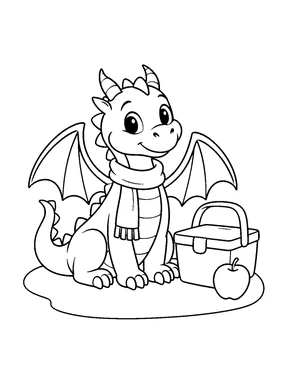
Dragon Picnic Basket Coloring Page
medium · kids · A4 & US Letter
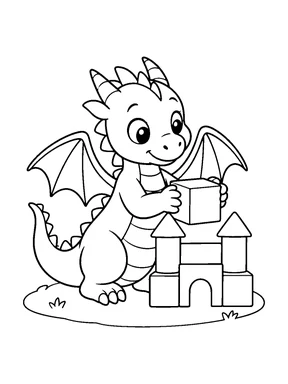
Dragon Building a Castle Coloring Page
medium · kids · A4 & US Letter
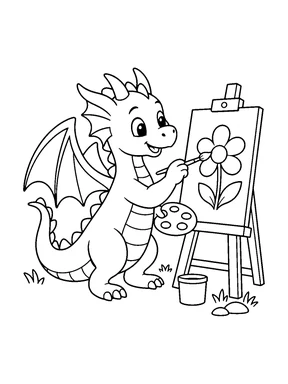
Dragon Painting a Flower Coloring Page
medium · kids · A4 & US Letter
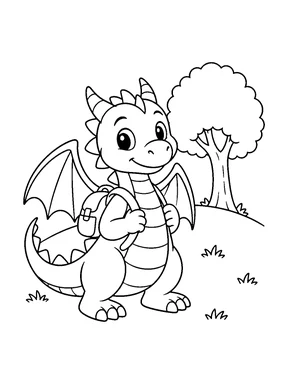
Dragon with a Backpack Coloring Page
medium · kids · A4 & US Letter
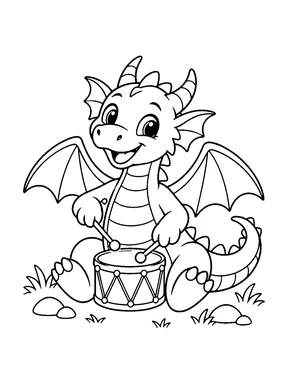
Dragon Playing a Drum Coloring Page
medium · kids · A4 & US Letter
08More themes
You may also like
Pages from other themes in the library.
09FAQ
Questions about this page
Is the Waving Dragon with Swirl Motifs coloring page free?
Yes. Download the A4 or US Letter PDF, or a PNG image, for free. Guests can download 5 pages a day as PDF or PNG, and free accounts 20, with no watermark. The editable SVG file needs a free account.
Which paper size should I print?
Choose A4 in most countries and US Letter in the United States and Canada. Print at 100% or "actual size" in portrait orientation.
Can I use this page in a classroom?
Library pages are free for personal, family, classroom and other non-commercial use. Reselling or redistributing the files is not allowed; see the License page for details.
Can I make a page like this one?
Yes. Create similar opens the AI coloring page generator with this idea filled in. A Standard page uses 1 credit, and you can try it twice without an account.