
Free printable coloring page
Puppy and Butterfly Coloring Page
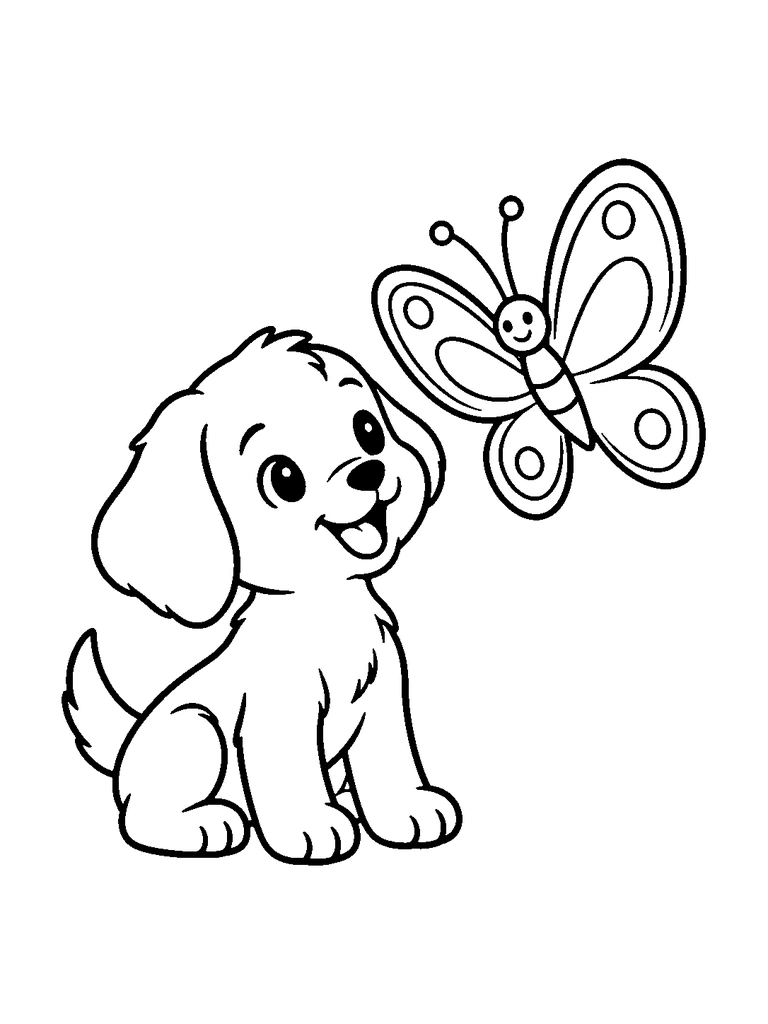
A puppy next to a large butterfly.
- Difficulty
- easy
- Audience
- kids
- Format
- PDF, PNG, SVG
- Paper
- A4 + US Letter
Try this page with AI
Paint it in a style you pick, or make your own version of this idea.
Created with AI image tools, then reviewed and cleaned up for print. Free for personal and classroom use; see our license.
01About
About Puppy and Butterfly Coloring Page
Looking up with delight, a seated puppy at the lower left watches a big friendly butterfly flutter near the upper right. The butterfly has a smiling face, two curly antennae with round tips and a striped body that tapers to a point. Each of its four wings is outlined with an inner shape and a round spot, so every wing has a few clean regions. The puppy has floppy ears, a head tuft, a bushy chest and a tail curling to the left. The two characters face each other across the white space, which gives the page an easy diagonal flow. With such big shapes and so few lines, it is a simple page that suits kids starting out, and the butterfly's wings give a chance to try a bold, bright color mix.
In this picture
- puppy
- butterfly
- butterfly wings
- antennae
- wing spots
- floppy ears
- tail
- paws
02Ideas
Coloring ideas for Puppy and Butterfly
- 1Color the butterfly's two top wings in warm colors and the lower pair in cool ones
- 2Give the wing spots a contrasting color to their wings
- 3Make the butterfly's striped body two alternating colors
- 4Color the puppy in a soft tan so the butterfly stands out
Suggested palette
- orange
- purple
- sky blue
- yellow
- tan
- pink
03Explore
Working inside the butterfly's nested wing shapes
Leave a narrow border around the wing centers
Look for
Each butterfly wing has an inset outline and a small round spot. The largest upper wing reaches higher than the puppy's head; the lower wings sit close to its nose.
Try this
Use the same light color in the narrow outer wing borders, then place stronger colors inside. Work on the tiny spots last with a sharp point; a pale spot against a dark wing can be clearer than another dark dot.
Build a butterfly pattern key for the puppy page
What you need
Printed puppy and butterfly page · Colored pencils · Plain paper
- On plain paper, draw a large wing shape, a small circle, and a narrow border swatch.
- Assign a color to each shape, choosing contrasting colors for the wing center and spot.
- Use your key to color the printed butterfly, repeating the same border color across all four wings.
- Finish the puppy in a quieter color so the pattern key still describes the brightest part of the page.
Another way to try it: Give the upper and lower pairs of wings different center colors while keeping every round spot the same.
04Tips
Coloring tips
- Start with the largest areas, then add detail.
- Test markers on spare paper to prevent bleed-through.
- Use lighter layers first when working with colored pencils.
05Print
Print guide
- Choose the PDF that matches your paper size.
- Print at 100% scale or “actual size”.
- Use portrait orientation and normal print quality.
06Coloring book
This page is part of a coloring book
07Collections
Included in collections

08Related
Related coloring pages
Puppy with a Ball Coloring Page
easy · kids · A4 & US Letter
Puppy Stacking Cushions Coloring Page
medium · kids · A4 & US Letter
Puppy Watering Daisies Coloring Page
medium · kids · A4 & US Letter
Puppy Baking Bone Cookies Coloring Page
medium · kids · A4 & US Letter
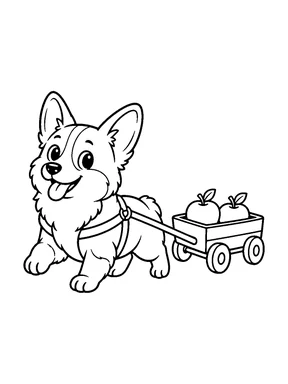
Corgi Pulling a Toy Wagon Coloring Page
medium · kids · A4 & US Letter
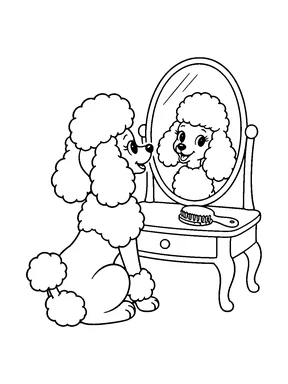
Poodle at a Vanity Mirror Coloring Page
medium · kids · A4 & US Letter
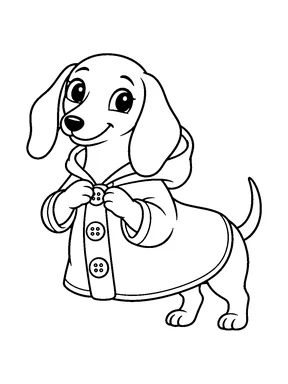
Dachshund in a Raincoat Coloring Page
medium · kids · A4 & US Letter
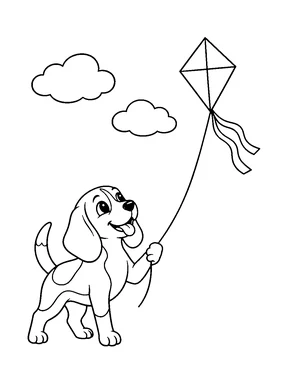
Beagle Flying a Kite Coloring Page
medium · kids · A4 & US Letter
09More themes
You may also like
Pages from other themes in the library.
10FAQ
Questions about this page
Is the Puppy and Butterfly coloring page free?
Yes. Download the A4 or US Letter PDF, or a PNG image, for free. Guests can download 5 pages a day as PDF or PNG, and free accounts 20, with no watermark. The editable SVG file needs a free account.
Which paper size should I print?
Choose A4 in most countries and US Letter in the United States and Canada. Print at 100% or "actual size" in portrait orientation.
Can I use this page in a classroom?
Library pages are free for personal, family, classroom and other non-commercial use. Reselling or redistributing the files is not allowed; see the License page for details.
Can I make a page like this one?
Yes. Create similar opens the AI coloring page generator with this idea filled in. A Standard page uses 1 credit, and you can try it twice without an account.