
Free printable coloring page
Fox Kits Building a Castle Coloring Page
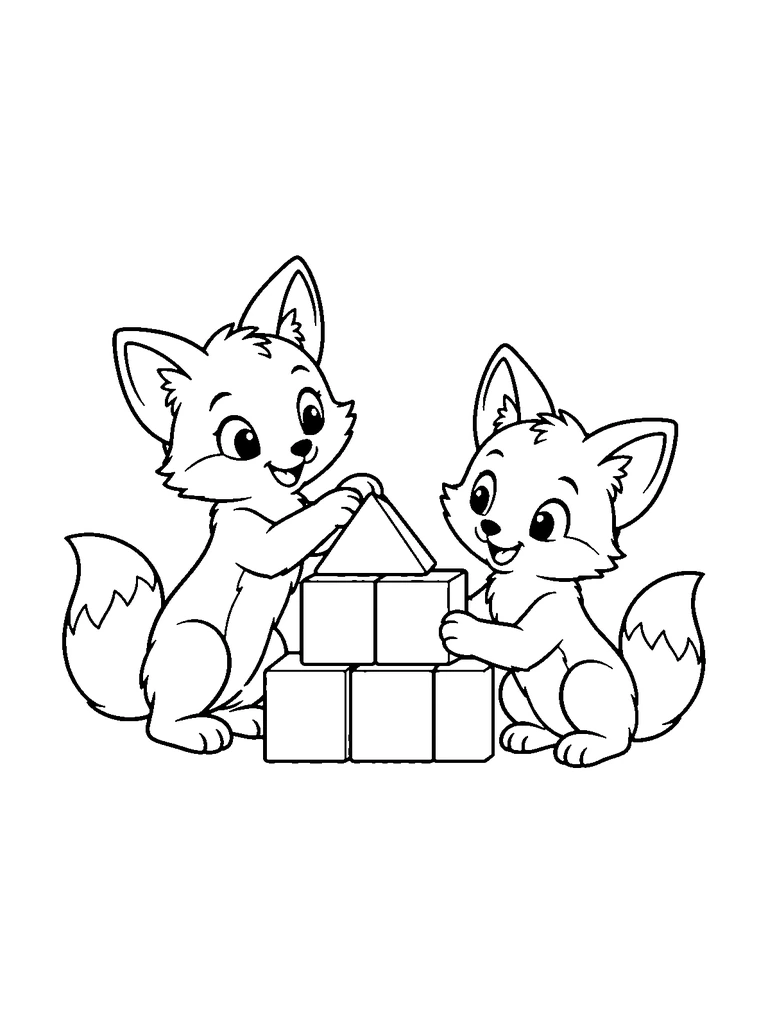
Two cute fox kits building a castle out of plain blocks.
- Difficulty
- medium
- Audience
- kids
- Format
- PDF, PNG, SVG
- Paper
- A4 + US Letter
Try this page with AI
Paint it in a style you pick, or make your own version of this idea.
Created with AI image tools, then reviewed and cleaned up for print. Free for personal and classroom use; see our license.
01About
About Fox Kits Building a Castle Coloring Page
Two small fox kits play together at a stack of plain blocks, working on a castle. The kit on the left stands up on its hind legs and reaches up to place a triangular roof piece on top, while the one on the right sits and holds a cube in place with one paw. The blocks are simple boxes with a few outline lines, stacked in two layers with a triangle on the peak. Both kits have big round eyes, open smiles and fluffy ears, and each tail curls out at the outer edge of the page, with a zigzag tip. There is no background, so the pair and their building fill the center. The blank blocks leave room for your own patterns, which makes this a friendly teamwork page with medium detail for kids.
In this picture
- two fox kits
- building blocks
- triangle roof block
- castle stack
- bushy tails
- tufted ears
- paws
02Ideas
Coloring ideas for Fox Kits Building a Castle
- 1Color the triangular roof piece a bright accent to mark the top.
- 2Make one kit light orange and the other a deeper reddish orange.
- 3Keep the block side faces a little darker than their broad fronts.
Suggested palette
- block red
- block blue
- block yellow
- fox orange
- cream
- green
03Explore
Keeping the fox kits' castle blocks separate
Find the roof edge before adding decoration
Look for
A triangular piece sits above the two upper blocks while the left kit holds it. The bottom row is wider, giving the structure a stepped outline.
Try this
Color the roof and the paws first so their meeting edges stay clear. Fill the block fronts next and their narrow side faces last, using a darker layer rather than new outline lines.
Plan doors and windows for the fox kits' castle
What you need
Printed castle scene · Pencil · Colored pencils · Scrap paper
- Sketch a small door and window on scrap paper, keeping each simple enough to fit one broad block front.
- Choose a lower front for the door and upper fronts for windows; draw them lightly without crossing the block seams.
- Color the blocks and roof, then compare the invented openings with the structure's stepped outline.
Another way to try it: Use only color-coded block faces, leaving the fronts undecorated, and draw your door-and-window plan on the companion paper instead.
04Tips
Coloring tips
- Start with the largest areas, then add detail.
- Test markers on spare paper to prevent bleed-through.
- Use lighter layers first when working with colored pencils.
05Print
Print guide
- Choose the PDF that matches your paper size.
- Print at 100% scale or “actual size”.
- Use portrait orientation and normal print quality.
06Coloring book
This page is part of a coloring book
07Collections
Included in collections
08Related
Related coloring pages
Sitting Fox Coloring Page
easy · kids · A4 & US Letter
Fox Sewing a Scarf Coloring Page
medium · kids · A4 & US Letter
Fox Watering Mushrooms Coloring Page
medium · kids · A4 & US Letter
Fox Baking Leaf Cookies Coloring Page
medium · kids · A4 & US Letter
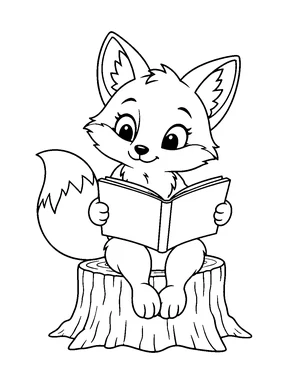
Fox Reading on a Stump Coloring Page
medium · kids · A4 & US Letter
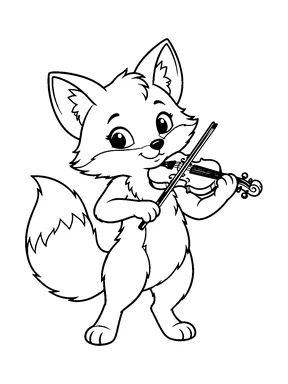
Fox Playing the Violin Coloring Page
medium · kids · A4 & US Letter
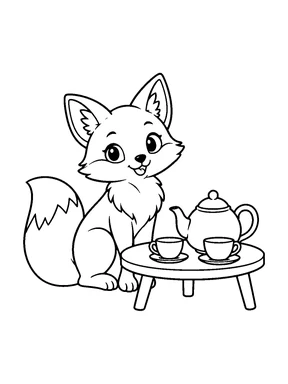
Fox Tea Time Coloring Page
medium · kids · A4 & US Letter
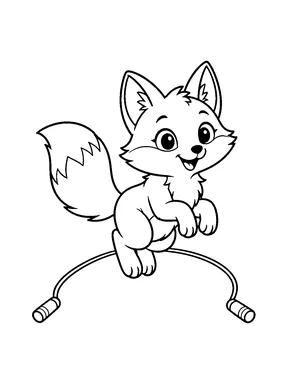
Fox Jumping Rope Coloring Page
medium · kids · A4 & US Letter
09More themes
You may also like
Pages from other themes in the library.
10FAQ
Questions about this page
Is the Fox Kits Building a Castle coloring page free?
Yes. Download the A4 or US Letter PDF, or a PNG image, for free. Guests can download 5 pages a day as PDF or PNG, and free accounts 20, with no watermark. The editable SVG file needs a free account.
Which paper size should I print?
Choose A4 in most countries and US Letter in the United States and Canada. Print at 100% or "actual size" in portrait orientation.
Can I use this page in a classroom?
Library pages are free for personal, family, classroom and other non-commercial use. Reselling or redistributing the files is not allowed; see the License page for details.
Can I make a page like this one?
Yes. Create similar opens the AI coloring page generator with this idea filled in. A Standard page uses 1 credit, and you can try it twice without an account.