
Free printable coloring page
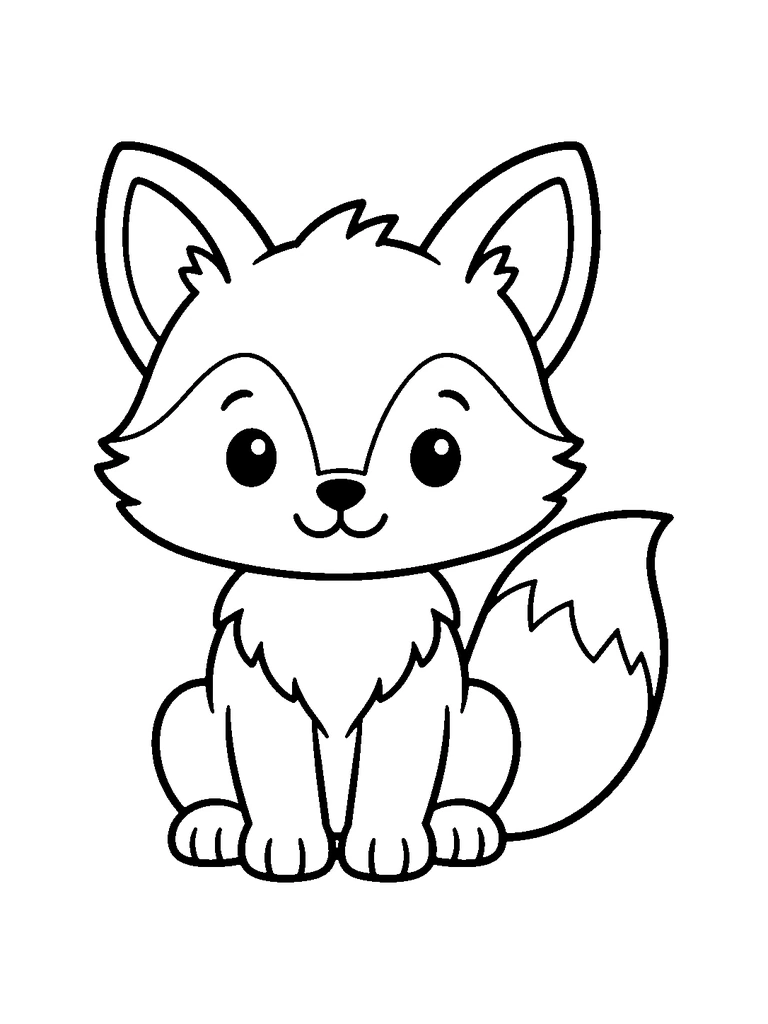
Baby Fox Front View Coloring Page
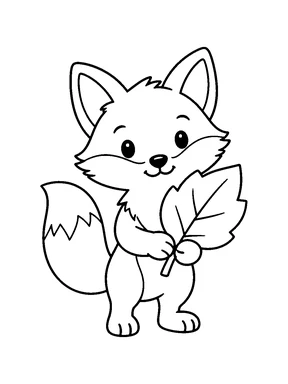
A baby fox facing forward.
- Difficulty
- easy
- Audience
- kids
- Format
- PDF, PNG, SVG
- Paper
- A4 + US Letter
Try this page with AI
Paint it in a style you pick, or make your own version of this idea.
Created with AI image tools, then reviewed and cleaned up for print. Free for personal and classroom use; see our license.
01About
About Baby Fox Front View Coloring Page
A baby fox sits facing you straight on, and the whole figure forms a neat, balanced shape in the middle of the page. The head is wide with two tall ears, each lined with small inner tufts, a spike of fur on the forehead, and big round eyes set in a pale face mask. The tiny nose and smile sit in the center. Below the chin, a jagged bib of chest fur leads down to two front legs and wide paws with toe lines. The haunches bulge on each side, and a short bushy tail wraps around to the right, ending in a zigzag tip. There is no ground or scenery. The large, round areas and clear edges make it an easy, cuddly page for kids who want an adorable animal portrait to color.
In this picture
- baby fox
- front view
- tall ears
- face mask
- forehead tuft
- chest fur
- front paws
- bushy tail
02Ideas
Coloring ideas for Baby Fox Front View
- 1Color the face mask in cream and the rest of the head in orange
- 2Use dark brown on the paw toes and ear tips
- 3Make the inner ears a soft pink
- 4Give the tail a gradient from orange to white at the tip
Suggested palette
- fox orange
- cream
- dark brown
- soft pink
- white
- black
03Explore
Balancing the baby fox's face colors
Match the cheek patches without forcing the whole pose to mirror
Look for
The face has paired pale patches around the eyes and a centered nose. The tail appears only at the right, so the full animal is not a mirror image.
Try this
Color one small face area, then its partner on the other side with similar pressure. Continue in pairs around the ears and cheeks, but handle the tail as a separate large shape.
Make a paired-color portrait check
What you need
Printed fox portrait · Colored pencils · Scrap paper
- Test two light coat layers on scrap paper and choose the pressure you want for the face.
- Color the left and right outer head areas in turn, checking the paired cheek edges before moving down to the body.
- Finish the single tail last and compare how its larger color area balances the centered face.
Another way to try it: Keep the face matched but give the tail a deeper version of the coat color to make the side accent stronger.
04Tips
Coloring tips
- Start with the largest areas, then add detail.
- Test markers on spare paper to prevent bleed-through.
- Use lighter layers first when working with colored pencils.
05Print
Print guide
- Choose the PDF that matches your paper size.
- Print at 100% scale or “actual size”.
- Use portrait orientation and normal print quality.
06Coloring book
This page is part of a coloring book
07Collections
Included in collections
08Related
Related coloring pages
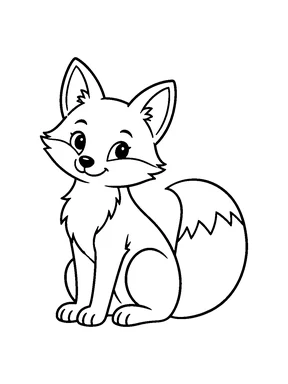
Sitting Fox Coloring Page
easy · kids · A4 & US Letter
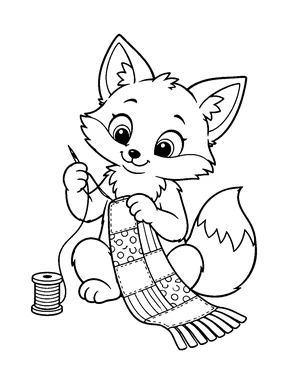
Fox Sewing a Scarf Coloring Page
medium · kids · A4 & US Letter
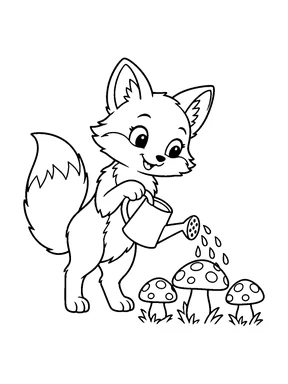
Fox Watering Mushrooms Coloring Page
medium · kids · A4 & US Letter
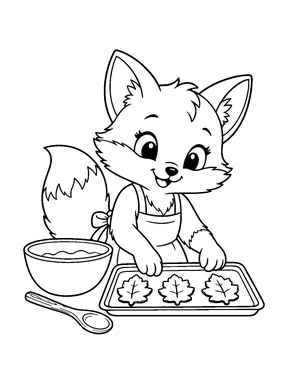
Fox Baking Leaf Cookies Coloring Page
medium · kids · A4 & US Letter
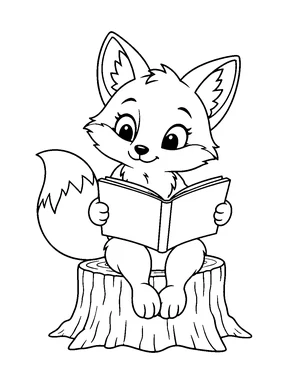
Fox Reading on a Stump Coloring Page
medium · kids · A4 & US Letter
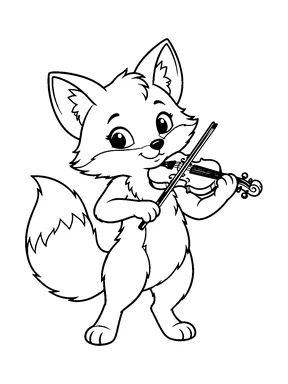
Fox Playing the Violin Coloring Page
medium · kids · A4 & US Letter
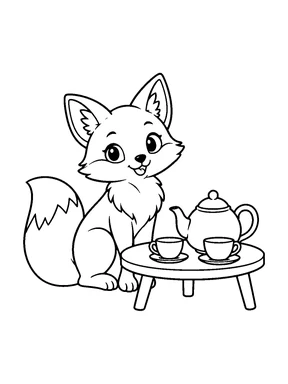
Fox Tea Time Coloring Page
medium · kids · A4 & US Letter
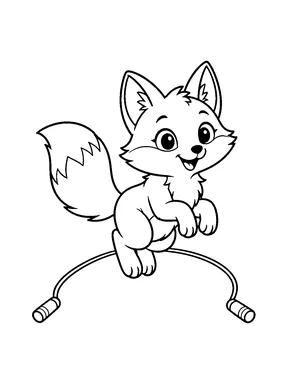
Fox Jumping Rope Coloring Page
medium · kids · A4 & US Letter
09More themes
You may also like
Pages from other themes in the library.
10FAQ
Questions about this page
Is the Baby Fox Front View coloring page free?
Yes. Download the A4 or US Letter PDF, or a PNG image, for free. Guests can download 5 pages a day as PDF or PNG, and free accounts 20, with no watermark. The editable SVG file needs a free account.
Which paper size should I print?
Choose A4 in most countries and US Letter in the United States and Canada. Print at 100% or "actual size" in portrait orientation.
Can I use this page in a classroom?
Library pages are free for personal, family, classroom and other non-commercial use. Reselling or redistributing the files is not allowed; see the License page for details.
Can I make a page like this one?
Yes. Create similar opens the AI coloring page generator with this idea filled in. A Standard page uses 1 credit, and you can try it twice without an account.