
Free printable coloring page
Parrot Lunch Box Coloring Page
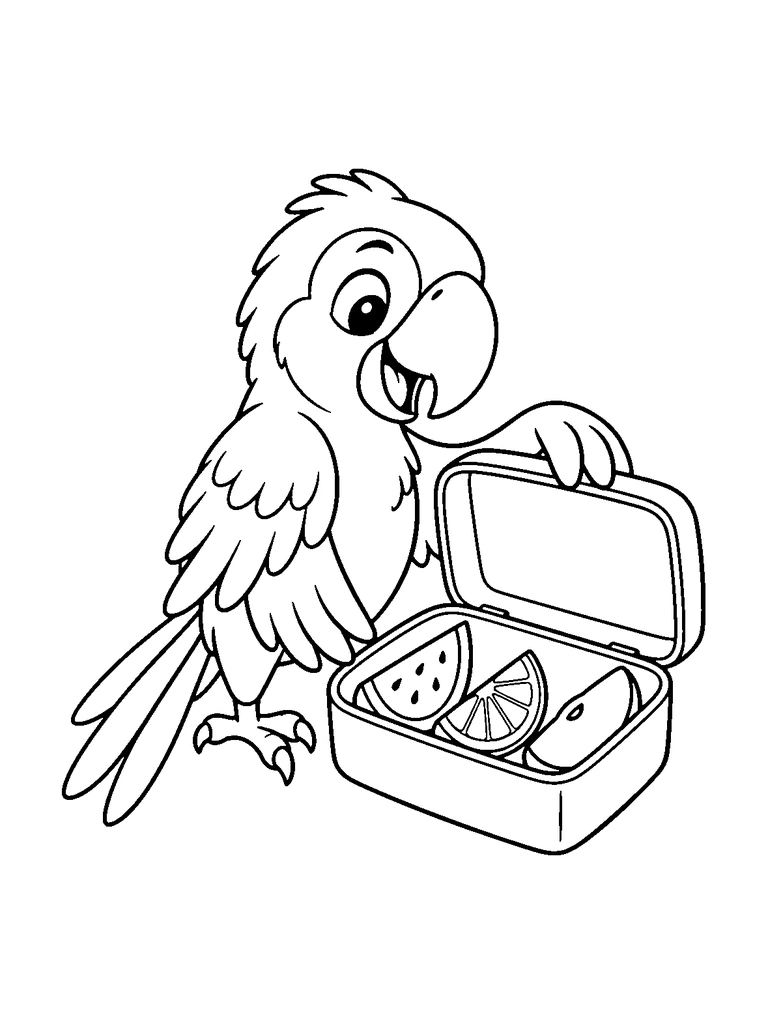
A cute parrot opening a lunch box with fruit slices inside.
- Difficulty
- medium
- Audience
- kids
- Format
- PDF, PNG, SVG
- Paper
- A4 + US Letter
Try this page with AI
Paint it in a style you pick, or make your own version of this idea.
Created with AI image tools, then reviewed and cleaned up for print. Free for personal and classroom use; see our license.
01About
About Parrot Lunch Box Coloring Page
Leaning over an open lunch box, a parrot puts one wing tip on the raised lid and looks at the food inside with an open beak. The box is a rounded rectangle with a lid hinged at the back, and in the tray lie three fruit slices side by side: a wedge of melon with seeds, a round citrus slice with segments, and a smooth wedge at the right. The parrot stands at the left with a crest of feathers on its head, scalloped wing feathers and a long tail slanting down to the left. The small segments inside the citrus slice are a fun detail for careful hands. A medium page for kids, it fits school and picnic themes and lets you invent a menu.
In this picture
- parrot
- lunch box
- box lid
- melon slice
- citrus slice
- fruit wedge
- seeds
- tail feathers
02Ideas
Coloring ideas for Parrot Lunch Box
- 1Color the melon slice with a red inside and a green rind, leaving the seeds dark
- 2Fill each citrus segment in a slightly different orange
- 3Make the lunch box a bright color with a darker lid
- 4Give the third fruit slice a color of your choice, like a green apple
Good for
- a back-to-school or picnic theme
- a healthy-snack classroom talk
- a lunch-box note or placemat
03Explore
Parrot Lunch Box: Color the Fruit Sections Inside the Open Tray
Parrot Lunch Box: focal shapes
Look for
A parrot looks into an open lunch box containing a watermelon wedge, citrus slice, and another fruit piece; the hinged lid frames the food.
Try this
Color each food item separately: keep the watermelon rind and flesh as bands, the citrus wedges distinct, and the other fruit separate from the lunch box base.
Parrot Lunch Box: Color the Fruit Sections Inside the Open Tray — two color routes
Green lunch box with watermelon and citrus
Use fruit-specific color zones inside the open compartment while keeping the box exterior a single color.
- Green
Color the lunch box exterior.
- Red
Fill the watermelon flesh, leaving its rind green.
- Orange
Color the segmented citrus slice.
Blue lunch box with a yellow fruit accent
Keep the open interior light enough to distinguish the three food shapes.
- Blue
Color the lunch box base and raised lid.
- Yellow
Fill the citrus segments.
- Red
Color the watermelon flesh and leave its rind green.
04Tips
Coloring tips
- Start with the largest areas, then add detail.
- Test markers on spare paper to prevent bleed-through.
- Use lighter layers first when working with colored pencils.
05Print
Print guide
- Choose the PDF that matches your paper size.
- Print at 100% scale or “actual size”.
- Use portrait orientation and normal print quality.
06Coloring book
This page is part of a coloring book
07Collections
Included in collections
08Related
Related coloring pages
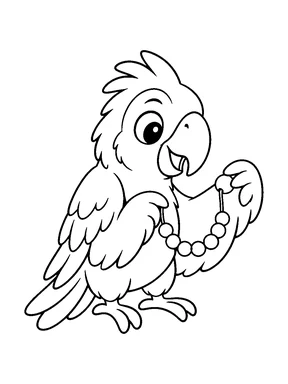
Parrot Threading Beads Coloring Page
medium · kids · A4 & US Letter
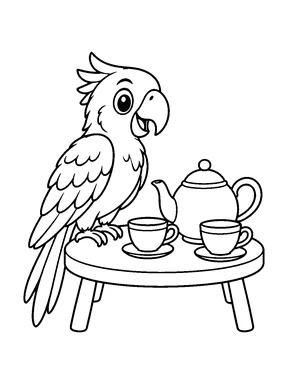
Parrot Tea Time Coloring Page
medium · kids · A4 & US Letter
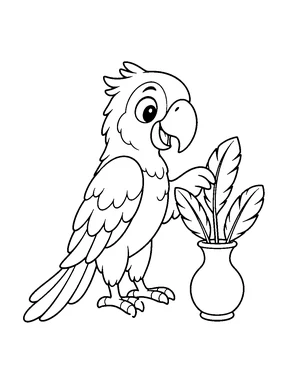
Parrot Arranging Feathers Coloring Page
medium · kids · A4 & US Letter
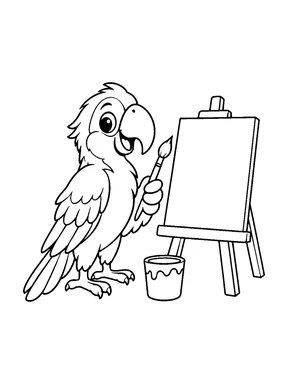
Parrot Painter at an Easel Coloring Page
medium · kids · A4 & US Letter
Parrot in a Rope Ring Coloring Page
medium · kids · A4 & US Letter
Parrots Sharing a Berry Coloring Page
medium · kids · A4 & US Letter
Baby Parrot in a Nest Coloring Page
medium · kids · A4 & US Letter
Parrot Taking a Bath Coloring Page
medium · kids · A4 & US Letter
09More themes
You may also like
Pages from other themes in the library.
10FAQ
Questions about this page
Is the Parrot Lunch Box coloring page free?
Yes. Download the A4 or US Letter PDF, or a PNG image, for free. Guests can download 5 pages a day as PDF or PNG, and free accounts 20, with no watermark. The editable SVG file needs a free account.
Which paper size should I print?
Choose A4 in most countries and US Letter in the United States and Canada. Print at 100% or "actual size" in portrait orientation.
Can I use this page in a classroom?
Library pages are free for personal, family, classroom and other non-commercial use. Reselling or redistributing the files is not allowed; see the License page for details.
Can I make a page like this one?
Yes. Create similar opens the AI coloring page generator with this idea filled in. A Standard page uses 1 credit, and you can try it twice without an account.