
Free printable coloring page
Dragon Holding a Crystal Coloring Page
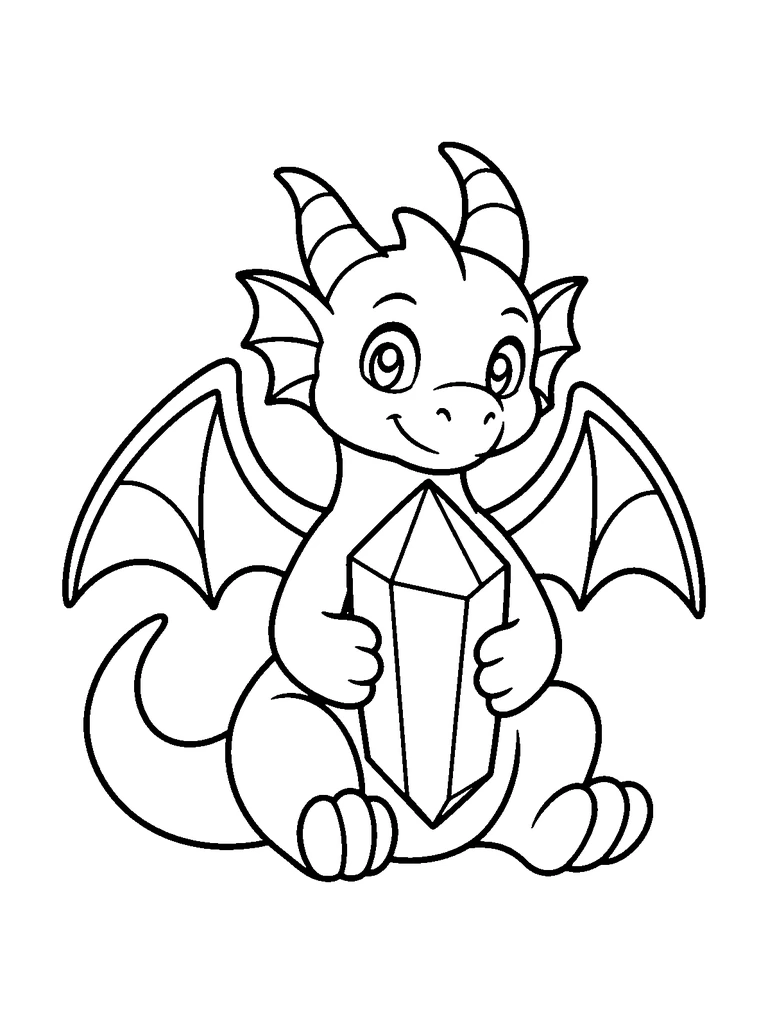
A young seated dragon holds one large faceted crystal between its front paws.
- Difficulty
- easy
- Audience
- kids
- Format
- PDF, PNG, SVG
- Paper
- A4 + US Letter
Try this page with AI
Paint it in a style you pick, or make your own version of this idea.
Created with AI image tools, then reviewed and cleaned up for print. Free for personal and classroom use; see our license.
01About
About Dragon Holding a Crystal Coloring Page
Seated with its feet stretched out in front, a baby dragon hugs a tall, six-sided crystal in both front paws. The crystal is drawn with a pointed top, a few straight facet lines and a long narrow body, and it sits right in the middle of the page. The dragon tilts its head slightly and smiles, with large sparkling eyes, two ringed horns and a small crest on its forehead. Small fin-like ears flare out on each side, and the two wings behind it have simple rib lines. A thick tail curls up from the lower left. The outline is bold and the shapes are big, with nothing in the background. The crystal facets give a little structure to color, and the simple layout suits younger kids.
In this picture
- dragon
- crystal
- crystal facets
- horns
- fin ears
- two wings
- tail
- front paws
- feet
02Ideas
Coloring ideas for Dragon Holding a Crystal
- 1Color each crystal facet in a slightly different shade of purple or blue
- 2Make the dragon warm orange so the crystal stands out
- 3Give the ringed horns alternating light and dark bands
- 4Add a bright accent to the small crest on the forehead
Good for
- a gem-and-mineral theme day
- a rainy-day table activity
- a fantasy-party favor sheet
03Explore
Dragon Holding a Crystal: Shade the Faceted Planes Separately
Dragon Holding a Crystal: focal shapes
Look for
A round baby dragon holds a large faceted crystal in front of its body; the crystal’s triangular planes contrast with the smooth face and wings.
Try this
Leave alternating triangular planes on the crystal lighter and darker; color the dragon behind it more evenly so the faceted object remains in front.
Dragon Holding a Crystal: Shade the Faceted Planes Separately — two color routes
Amethyst crystal in a teal dragon’s paws
Use related purples across separate crystal facets and a contrasting body color.
- Teal
Color the baby dragon’s body and wings.
- Amethyst
Fill alternate triangular planes of the crystal.
- Pale lilac
Color the remaining crystal facets.
Rose crystal with a blue dragon
Use a cool body against a pink-violet crystal held centrally.
- Blue
Color the dragon’s head, body, and wings.
- Rose quartz
Fill the crystal’s larger triangular facets.
- Lavender
Color alternate crystal planes.
04Tips
Coloring tips
- Start with the largest areas, then add detail.
- Test markers on spare paper to prevent bleed-through.
- Use lighter layers first when working with colored pencils.
05Print
Print guide
- Choose the PDF that matches your paper size.
- Print at 100% scale or “actual size”.
- Use portrait orientation and normal print quality.
06Collections
Included in collections
07Related
Related coloring pages
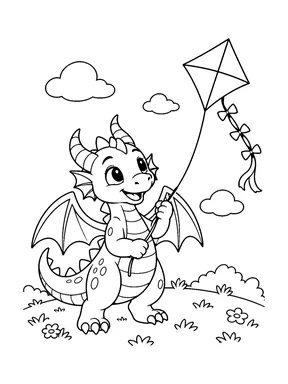
Dragon Flying a Kite Coloring Page
medium · kids · A4 & US Letter
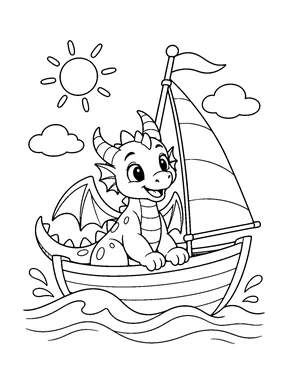
Dragon in a Sailboat Coloring Page
medium · kids · A4 & US Letter
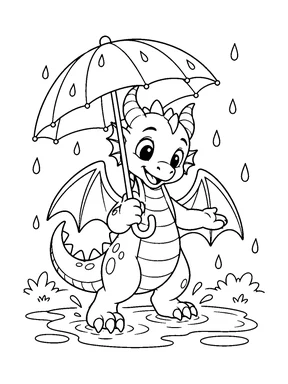
Dragon with an Umbrella Coloring Page
medium · kids · A4 & US Letter
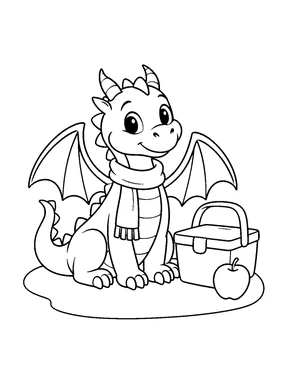
Dragon Picnic Basket Coloring Page
medium · kids · A4 & US Letter
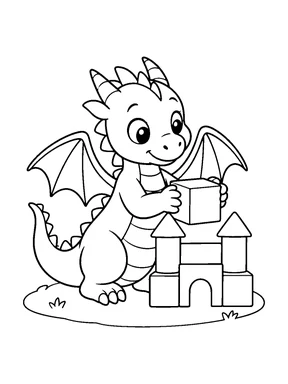
Dragon Building a Castle Coloring Page
medium · kids · A4 & US Letter
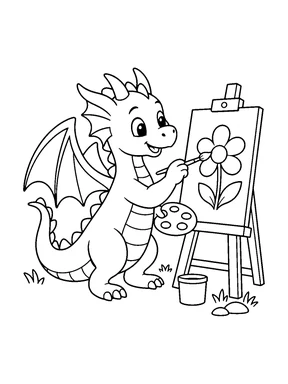
Dragon Painting a Flower Coloring Page
medium · kids · A4 & US Letter
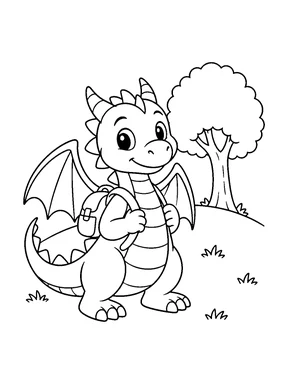
Dragon with a Backpack Coloring Page
medium · kids · A4 & US Letter
Dragon Playing a Drum Coloring Page
medium · kids · A4 & US Letter
08More themes
You may also like
Pages from other themes in the library.
Heart-Petal Flowers in a Garden Patch Coloring Page
medium · kids · A4 & US Letter
Simple Pickup Truck Side View Coloring Page
easy · kids · A4 & US Letter
Fall Squirrel with an Acorn Coloring Page
easy · kids · A4 & US Letter
Smiling Convertible beside a Picnic Blanket and Basket Coloring Page
medium · kids · A4 & US Letter
09FAQ
Questions about this page
Is the Dragon Holding a Crystal coloring page free?
Yes. Download the A4 or US Letter PDF, or a PNG image, for free. Guests can download 5 pages a day as PDF or PNG, and free accounts 20, with no watermark. The editable SVG file needs a free account.
Which paper size should I print?
Choose A4 in most countries and US Letter in the United States and Canada. Print at 100% or "actual size" in portrait orientation.
Can I use this page in a classroom?
Library pages are free for personal, family, classroom and other non-commercial use. Reselling or redistributing the files is not allowed; see the License page for details.
Can I make a page like this one?
Yes. Create similar opens the AI coloring page generator with this idea filled in. A Standard page uses 1 credit, and you can try it twice without an account.