
Free printable coloring page
Anime Pilot Girl and Robot Coloring Page
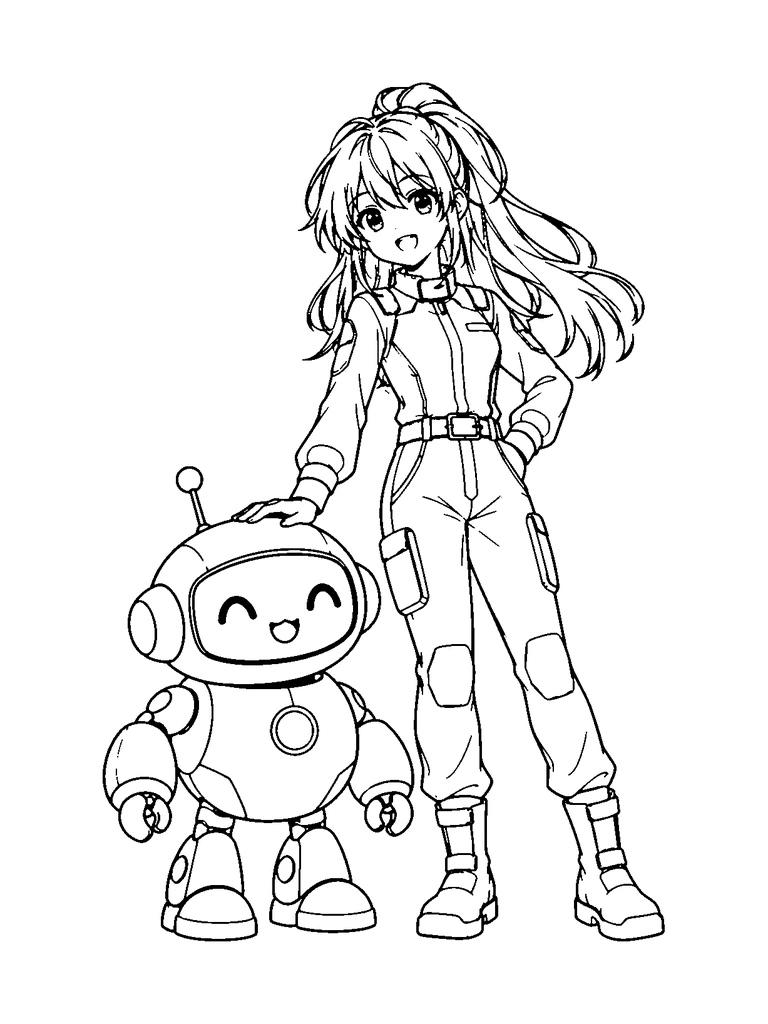
An original anime pilot girl in a jumpsuit rests one hand on a small round helper robot.
- Difficulty
- medium
- Audience
- teens
- Format
- PDF, PNG, SVG
- Paper
- A4 + US Letter
Try this page with AI
Paint it in a style you pick, or make your own version of this idea.
Created with AI image tools, then reviewed and cleaned up for print. Free for personal and classroom use; see our license.
01About
About Anime Pilot Girl and Robot Coloring Page
A pilot girl with a long ponytail stands in a hands-on-hip pose and rests her other hand on top of a small round robot at the left. The robot has a domed head with a single short antenna, ear-like side discs, a visor face with a happy closed-eye smile, and a round chest panel. Its stubby arms end in pincers, and the feet are wide and rounded. The girl wears a zip-front jumpsuit with a belt, chest and sleeve panels, knee patches, side thigh pockets and chunky boots with broad strap details. She smiles as she looks out at us. Panels and patches break the suit into several shapes for careful coloring. This medium page suits teens who like sci-fi and friendly robots.
In this picture
- pilot girl
- ponytail
- jumpsuit
- belt
- knee patches
- thigh pockets
- round robot
- antenna
- visor face
- boots
02Ideas
Coloring ideas for Anime Pilot Girl and Robot
- 1Color the jumpsuit in two tones, with panels and patches in a contrast
- 2Give the robot a glossy metallic body and a bright chest panel
- 3Add a soft glow color to the robot's smiling visor
- 4Use a strong shade for the boots and belt
Suggested palette
- space blue
- silver
- signal orange
- white
- mint
03Explore
Suit patches and rounded panels in the anime pilot duo
Separate the robot's visor from its round shell
Look for
The smiling face sits inside a broad inset visor. Circular side discs and a chest ring repeat the robot's rounded shape, beside the pilot's angular suit patches.
Try this
Choose a visor tone that leaves the printed face easy to see, then shade the shell near its lower edge. Give the suit patches a flatter finish; the difference in shading helps distinguish soft clothing from the robot casing.
Give the pilot and robot a shared mission badge
What you need
Printed page · Pencil · Colored pencils
- Choose a simple mission symbol and sketch it small enough for one of the pilot's knee patches.
- Add the same symbol inside the robot's circular chest panel without covering its border.
- Color the two badges alike, then choose separate main colors for the suit and robot shell.
Another way to try it: Use matching badge colors without adding a symbol, keeping the printed panels as the only shapes.
04Tips
Coloring tips
- Start with the largest areas, then add detail.
- Test markers on spare paper to prevent bleed-through.
- Use lighter layers first when working with colored pencils.
05Print
Print guide
- Choose the PDF that matches your paper size.
- Print at 100% scale or “actual size”.
- Use portrait orientation and normal print quality.
06Collections
Included in collections
07Related
Related coloring pages
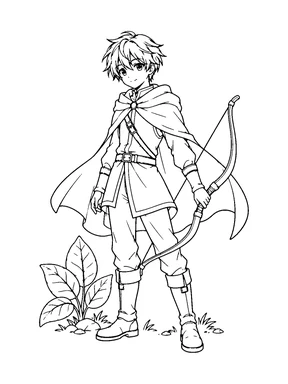
Anime Archer Boy Coloring Page
medium · teens · A4 & US Letter
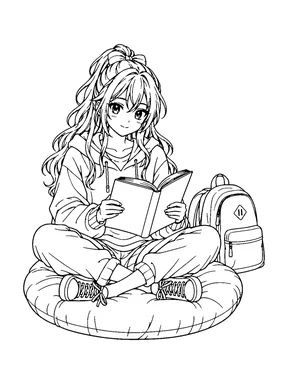
Anime Girl Reading Coloring Page
medium · teens · A4 & US Letter
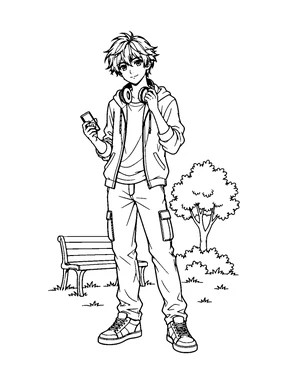
Anime Boy with Headphones Coloring Page
medium · teens · A4 & US Letter
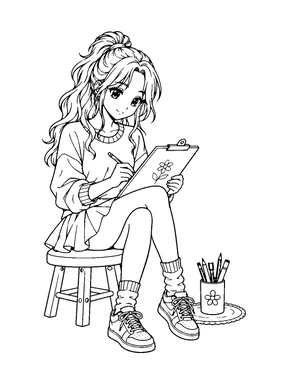
Anime Girl Drawing Coloring Page
medium · teens · A4 & US Letter
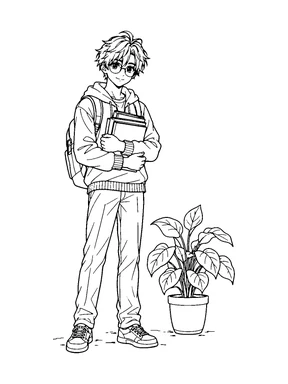
Anime Boy Holding Books Coloring Page
medium · teens · A4 & US Letter
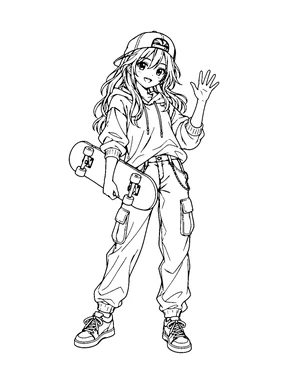
Anime Girl with Skateboard Coloring Page
medium · teens · A4 & US Letter
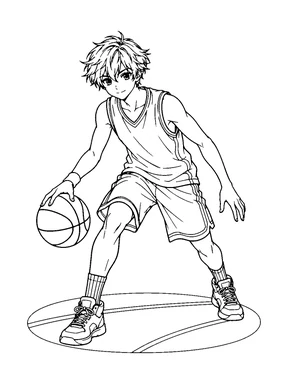
Anime Boy Dribbling Basketball Coloring Page
medium · teens · A4 & US Letter
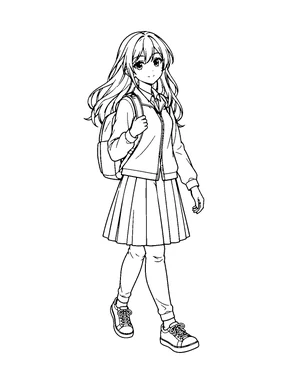
Anime Schoolgirl with Backpack Coloring Page
medium · teens · A4 & US Letter
08More themes
You may also like
Pages from other themes in the library.
09FAQ
Questions about this page
Is the Anime Pilot Girl and Robot coloring page free?
Yes. Download the A4 or US Letter PDF, or a PNG image, for free. Guests can download 5 pages a day as PDF or PNG, and free accounts 20, with no watermark. The editable SVG file needs a free account.
Which paper size should I print?
Choose A4 in most countries and US Letter in the United States and Canada. Print at 100% or "actual size" in portrait orientation.
Can I use this page in a classroom?
Library pages are free for personal, family, classroom and other non-commercial use. Reselling or redistributing the files is not allowed; see the License page for details.
Can I make a page like this one?
Yes. Create similar opens the AI coloring page generator with this idea filled in. A Standard page uses 1 credit, and you can try it twice without an account.