
Free printable coloring page
Anime Inventor Boy Coloring Page
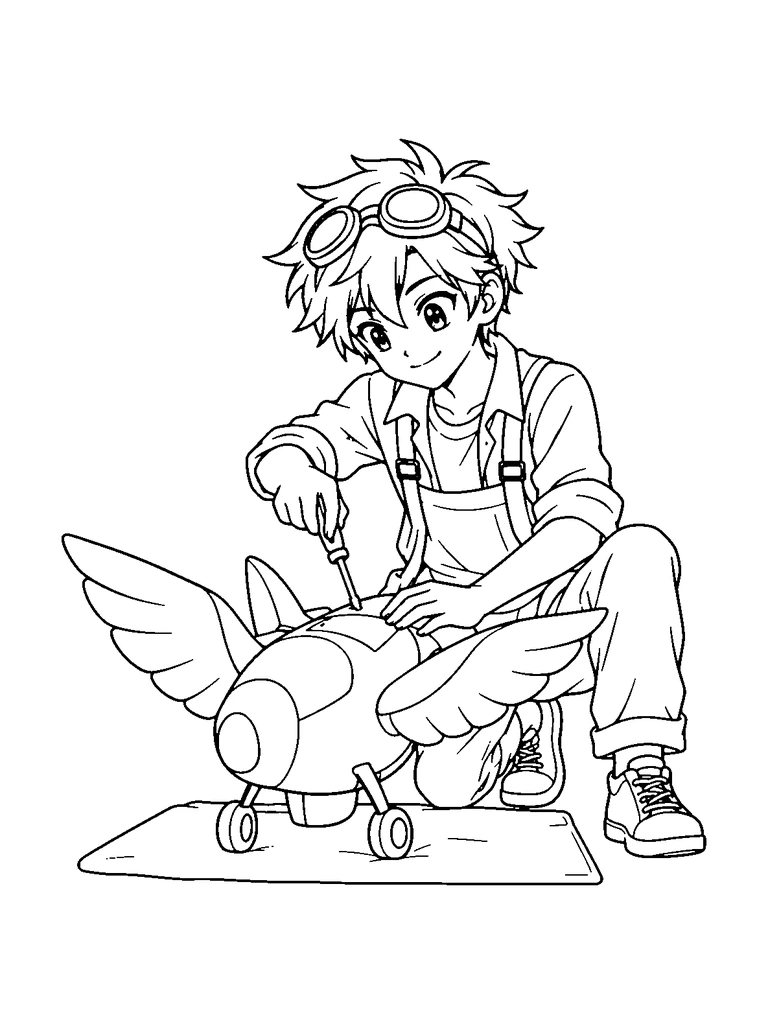
An original anime inventor boy with goggles on his head uses a screwdriver on a small winged machine resting on a work mat.
- Difficulty
- medium
- Audience
- teens
- Format
- PDF, PNG, SVG
- Paper
- A4 + US Letter
Try this page with AI
Paint it in a style you pick, or make your own version of this idea.
Created with AI image tools, then reviewed and cleaned up for print. Free for personal and classroom use; see our license.
01About
About Anime Inventor Boy Coloring Page
Crouching on a flat work mat, an inventor boy with goggles pushed up on his messy hair uses a small screwdriver on a round-bodied flying machine in front of him. The machine has a large pair of feathered wings, a round nose with a circular front panel, a tail fin on top and two small wheels at the bottom. He wears a rolled-sleeve shirt under overalls with buckled straps, loose pants with cuffed ankles and lace-up sneakers. He is smiling softly at his work. The mat is a flat parallelogram shape under the machine. Wing feathers, goggle lenses and overall buckles give a mix of small detail and large areas. The feathered wings are especially good for blending two colors from light to dark. This medium page suits teens who like inventions and tinkering.
In this picture
- inventor boy
- goggles
- screwdriver
- winged machine
- feathered wings
- round window
- wheels
- overalls
- work mat
02Ideas
Coloring ideas for Anime Inventor Boy
- 1Color the machine's wings in a light tone with darker feather edges
- 2Give the circular front panel a contrasting tone to separate it from the machine body
- 3Make the overalls a strong denim color against a lighter shirt
- 4Use a neutral gray for the work mat and a bright accent on the screwdriver
Suggested palette
- brass
- denim blue
- cream
- sky blue
- orange
03Explore
Feathered wings and tools in the anime inventor scene
Keep the wing layers distinct from the machine body
Look for
The machine's wings sweep outward in large feather-like tiers. Their overlapping bases meet the rounded body directly below the boy's working hands.
Try this
Follow each tier outward from the body, darkening a narrow strip where one overlaps the next. Leave the body comparatively smooth and use a fine tip at the screwdriver so the tool does not merge with the panel beneath it.
Draft a paint specification for the winged invention
What you need
Printed page · Colored pencils · Blank specification card
- On the card, assign colors to the body shell, wing tips and wheel rims as three separate parts.
- Apply the specification to the machine, keeping the tier shading visible within the wing color.
- Give the invention a name on the card and mount the card beside the full work-mat scene.
Another way to try it: Use a single shell-and-wing color, distinguishing the parts by stroke direction instead of different hues.
04Tips
Coloring tips
- Start with the largest areas, then add detail.
- Test markers on spare paper to prevent bleed-through.
- Use lighter layers first when working with colored pencils.
05Print
Print guide
- Choose the PDF that matches your paper size.
- Print at 100% scale or “actual size”.
- Use portrait orientation and normal print quality.
06Collections
Included in collections
07Related
Related coloring pages
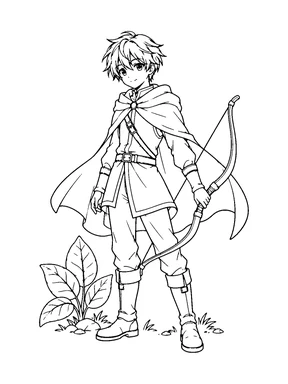
Anime Archer Boy Coloring Page
medium · teens · A4 & US Letter
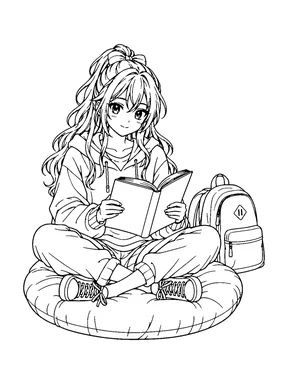
Anime Girl Reading Coloring Page
medium · teens · A4 & US Letter
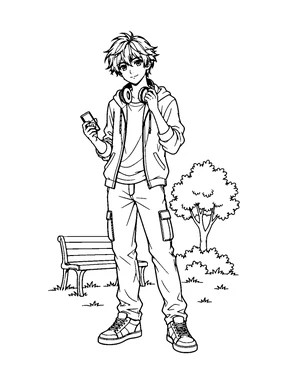
Anime Boy with Headphones Coloring Page
medium · teens · A4 & US Letter
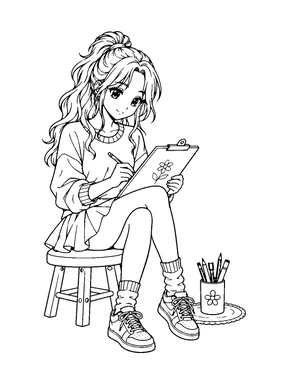
Anime Girl Drawing Coloring Page
medium · teens · A4 & US Letter
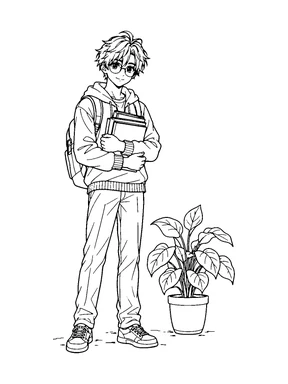
Anime Boy Holding Books Coloring Page
medium · teens · A4 & US Letter
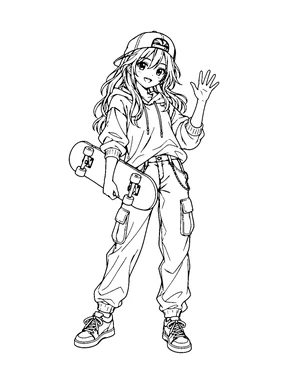
Anime Girl with Skateboard Coloring Page
medium · teens · A4 & US Letter
Anime Boy Dribbling Basketball Coloring Page
medium · teens · A4 & US Letter
Anime Schoolgirl with Backpack Coloring Page
medium · teens · A4 & US Letter
08More themes
You may also like
Pages from other themes in the library.
09FAQ
Questions about this page
Is the Anime Inventor Boy coloring page free?
Yes. Download the A4 or US Letter PDF, or a PNG image, for free. Guests can download 5 pages a day as PDF or PNG, and free accounts 20, with no watermark. The editable SVG file needs a free account.
Which paper size should I print?
Choose A4 in most countries and US Letter in the United States and Canada. Print at 100% or "actual size" in portrait orientation.
Can I use this page in a classroom?
Library pages are free for personal, family, classroom and other non-commercial use. Reselling or redistributing the files is not allowed; see the License page for details.
Can I make a page like this one?
Yes. Create similar opens the AI coloring page generator with this idea filled in. A Standard page uses 1 credit, and you can try it twice without an account.