
Free printable coloring page
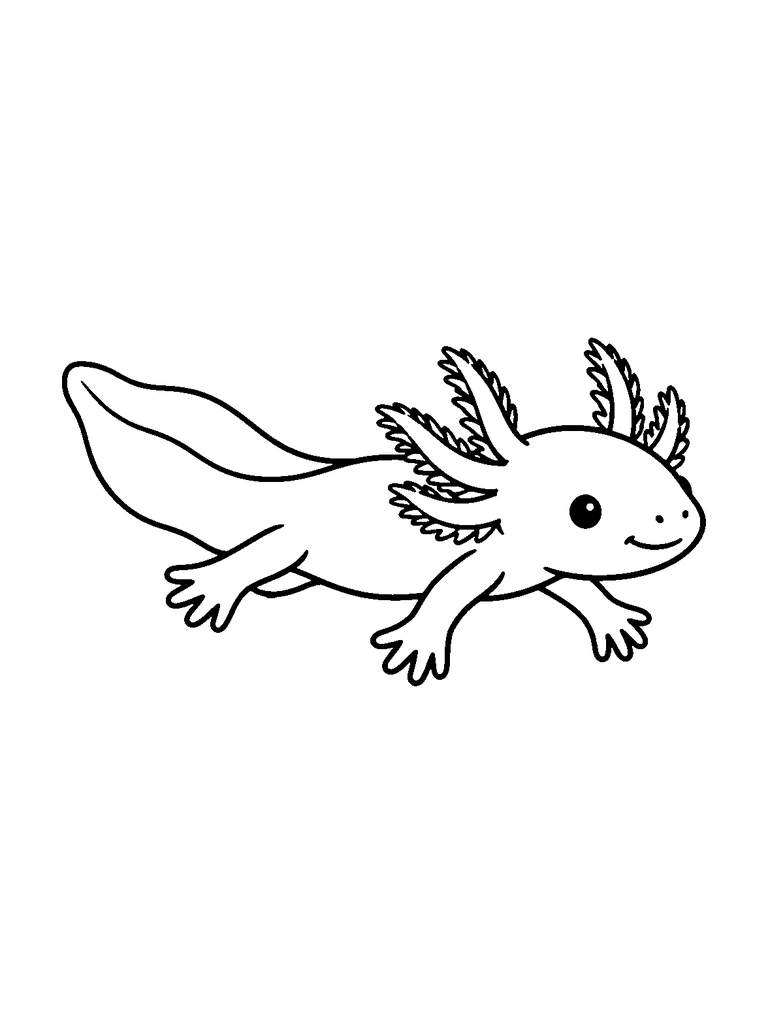
Swimming Axolotl Coloring Page
An axolotl swimming, shown from the side.
- Difficulty
- easy
- Audience
- kids
- Format
- PDF, PNG, SVG
- Paper
- A4 + US Letter
Try this page with AI
Paint it in a style you pick, or make your own version of this idea.
Created with AI image tools, then reviewed and cleaned up for print. Free for personal and classroom use; see our license.
01About
About Swimming Axolotl Coloring Page
Gliding toward the right, an axolotl is drawn in side view with its small smiling face on the right and a long, leaf-shaped tail trailing out to the left. A cluster of feathery gills sprouts from the back of the head, with the frilly tips fanning upward. Small legs reach away from the body, ending in splayed toes drawn with short curved lines. The body is a smooth, slender shape with a single dot eye and two tiny nostril marks on the snout. There is no water, plant or ground drawn, so the animal floats in the middle of an empty page. With a long tail and big smooth areas, the page is easy to fill with one or two colors. A swimming pose that suits kids who like simple side-view animals.
In this picture
- axolotl
- feathery gills
- long tail
- front legs
- back legs
- dot eye
- snout
02Ideas
Coloring ideas for Swimming Axolotl
- 1Color the long tail in a stripe of darker pink along the middle
- 2Make the gills a vivid red-pink against a pale body
- 3Add little bubbles around the nose in light blue
- 4Give the visible toes a slightly paler color than the body
Suggested palette
- peach
- pink
- coral
- light blue
- white
- lilac
03Explore
The swimming axolotl's long tail and small feet
Carry a gentle gradient through the tail fin
Look for
The tapered tail extends left behind the right-facing head, with a long curved line separating a broad outer fin area from the body.
Try this
Begin with a light body tone and deepen it toward the tail's outer edge, following the sweep of the curve. Keep the small feet lighter until their toe divisions are finished so they remain distinct below the body.
Draw a swim trail behind the side-view axolotl
What you need
Printed page · Light pencil · Blue coloring pencil
- Find the empty area behind the left-hand tail tip and sketch a few loose bubbles there.
- Vary the bubble sizes and leave a clear gap around the tail so its point remains visible.
- Color the animal, then give the added bubbles pale blue edges with white centers.
Another way to try it: Use two short sweeping current lines behind the tail instead of bubbles, keeping both lines outside the animal's outline.
04Tips
Coloring tips
- Start with the largest areas, then add detail.
- Test markers on spare paper to prevent bleed-through.
- Use lighter layers first when working with colored pencils.
05Print
Print guide
- Choose the PDF that matches your paper size.
- Print at 100% scale or “actual size”.
- Use portrait orientation and normal print quality.
06Coloring book
This page is part of a coloring book
07Collections
Included in collections

08Related
Related coloring pages
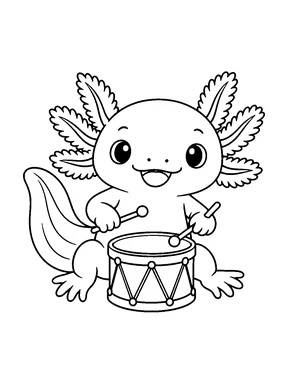
Axolotl Playing a Drum Coloring Page
medium · kids · A4 & US Letter
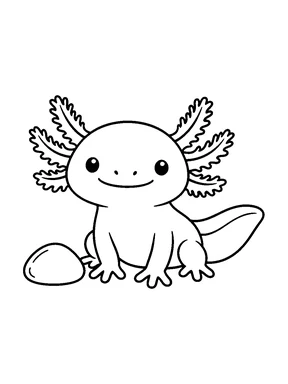
Axolotl Sitting by a Pebble Coloring Page
easy · kids · A4 & US Letter
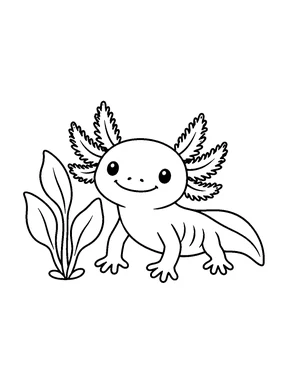
Axolotl and Water Plant Coloring Page
easy · kids · A4 & US Letter
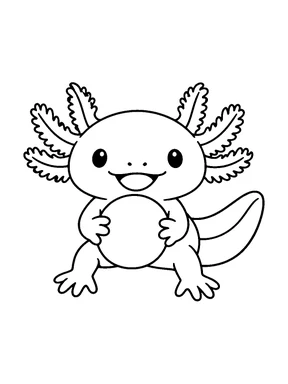
Axolotl Holding a Ball Coloring Page
easy · kids · A4 & US Letter
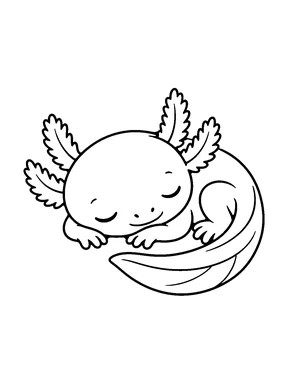
Sleeping Axolotl Coloring Page
easy · kids · A4 & US Letter
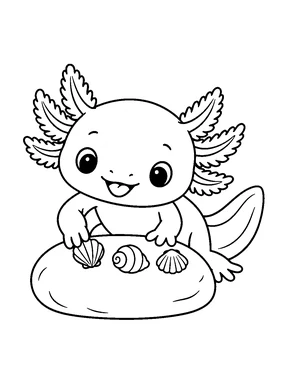
Axolotl Lining Up Seashells Coloring Page
medium · kids · A4 & US Letter
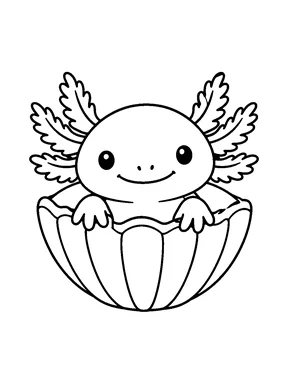
Axolotl in a Seashell Coloring Page
easy · kids · A4 & US Letter
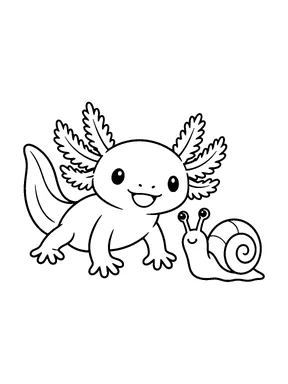
Axolotl and Snail Coloring Page
easy · kids · A4 & US Letter
09More themes
You may also like
Pages from other themes in the library.
10FAQ
Questions about this page
Is the Swimming Axolotl coloring page free?
Yes. Download the A4 or US Letter PDF, or a PNG image, for free. Guests can download 5 pages a day as PDF or PNG, and free accounts 20, with no watermark. The editable SVG file needs a free account.
Which paper size should I print?
Choose A4 in most countries and US Letter in the United States and Canada. Print at 100% or "actual size" in portrait orientation.
Can I use this page in a classroom?
Library pages are free for personal, family, classroom and other non-commercial use. Reselling or redistributing the files is not allowed; see the License page for details.
Can I make a page like this one?
Yes. Create similar opens the AI coloring page generator with this idea filled in. A Standard page uses 1 credit, and you can try it twice without an account.